
Cricut + MiniFigureAI
Turn Your AI Avatar into Real Products
Your MiniFigureAI avatar doesn't have to stay on screen. With a Cricut machine (or any cutting machine), you can turn it into custom t-shirts, stickers, mugs, phone cases, and party decorations — all from a single selfie.
What You Can Make
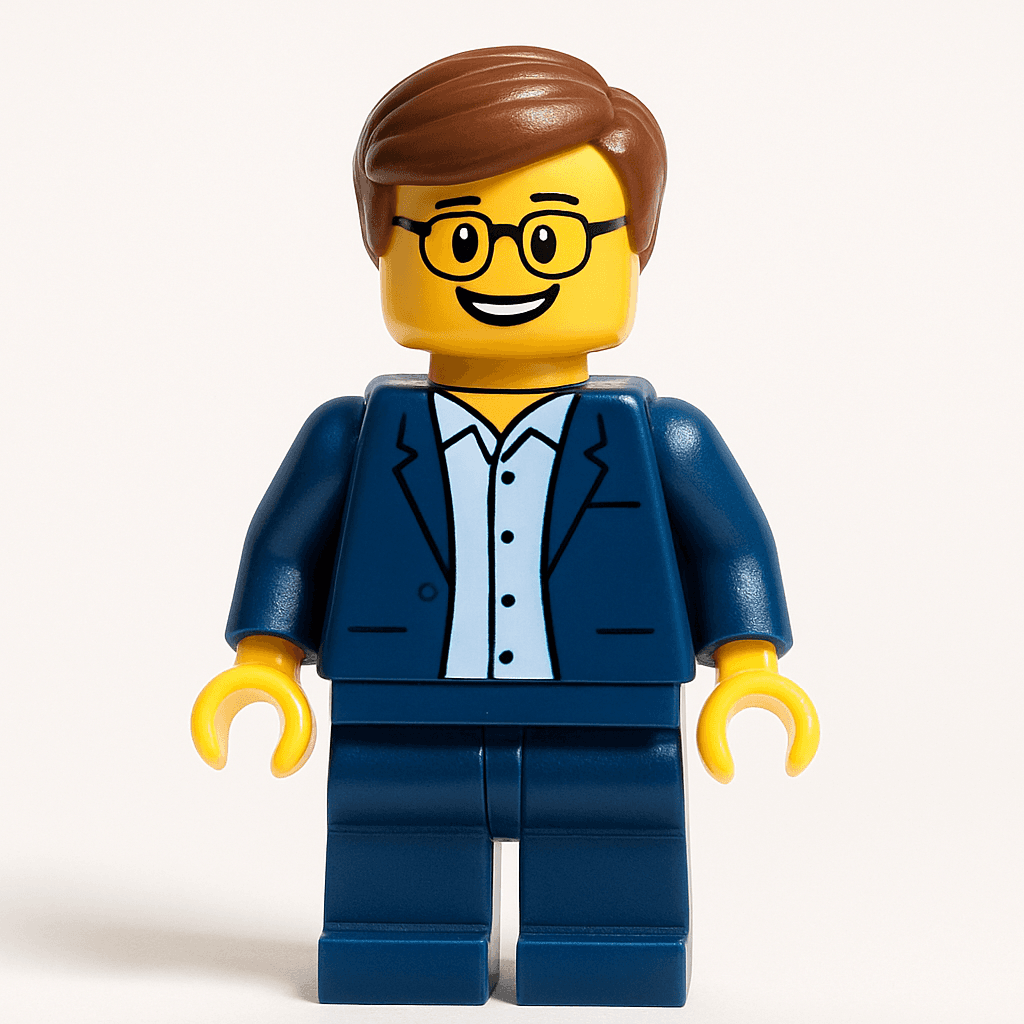
Custom T-Shirts
Iron your avatar onto any blank tee using Cricut Printable Iron-On. Great for kids, adults, family reunions, and personalized gifts.
T-shirt tutorial →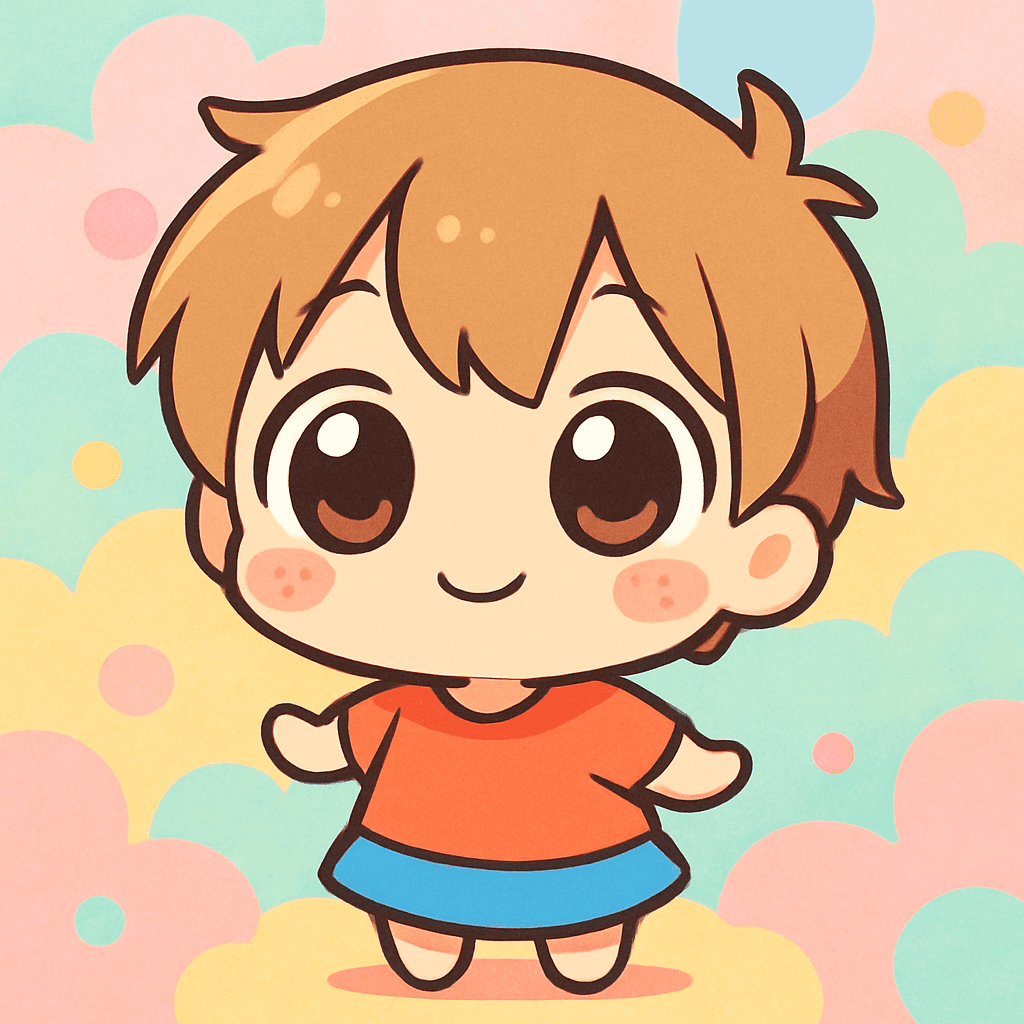
Laptop & Water Bottle Stickers
Die-cut stickers that look professional. Print on sticker paper, cut with Cricut Print Then Cut, and stick anywhere.
Sticker tutorial →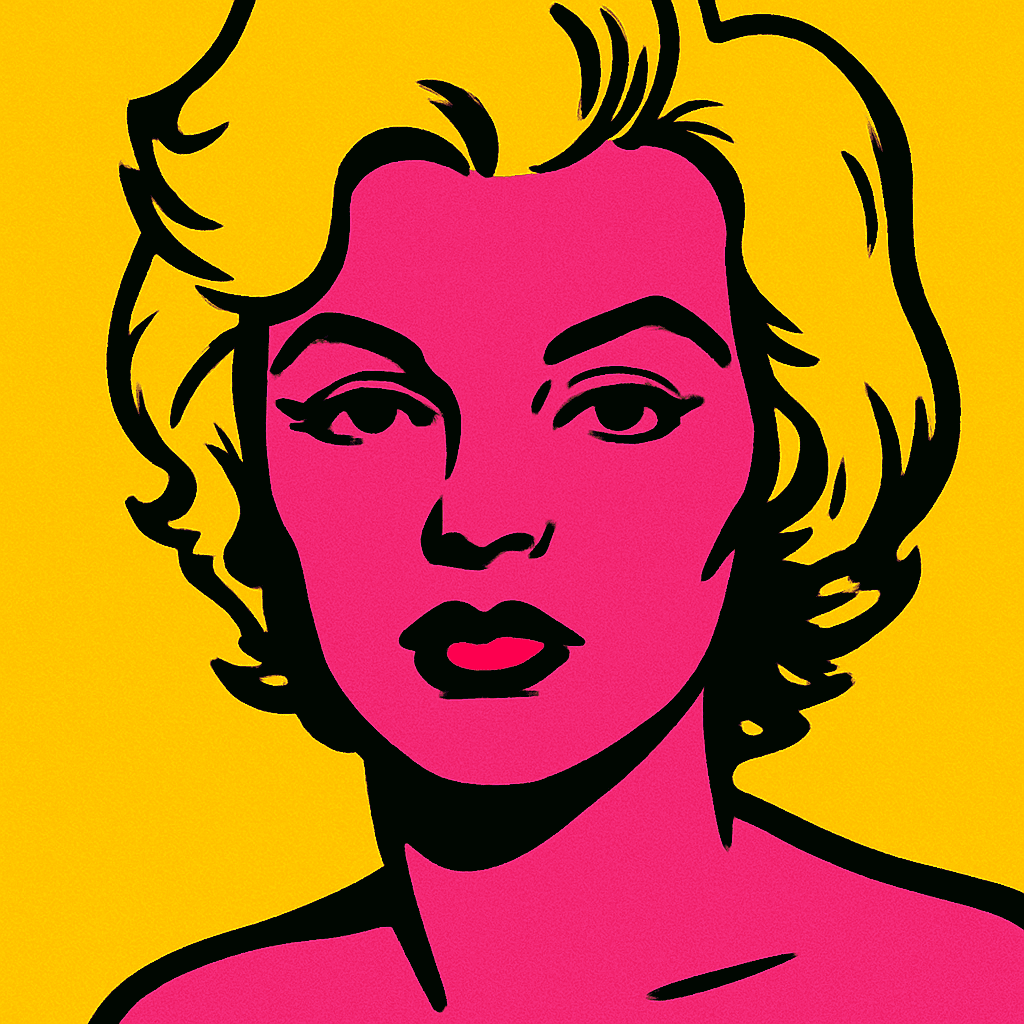
Personalized Mugs
Sublimation-print your avatar onto a mug for a gift that actually gets used every day. Pop Art and Pixel Art styles look stunning.

Phone Cases
Custom phone cases with your avatar — a daily-use item that turns heads everywhere you go.
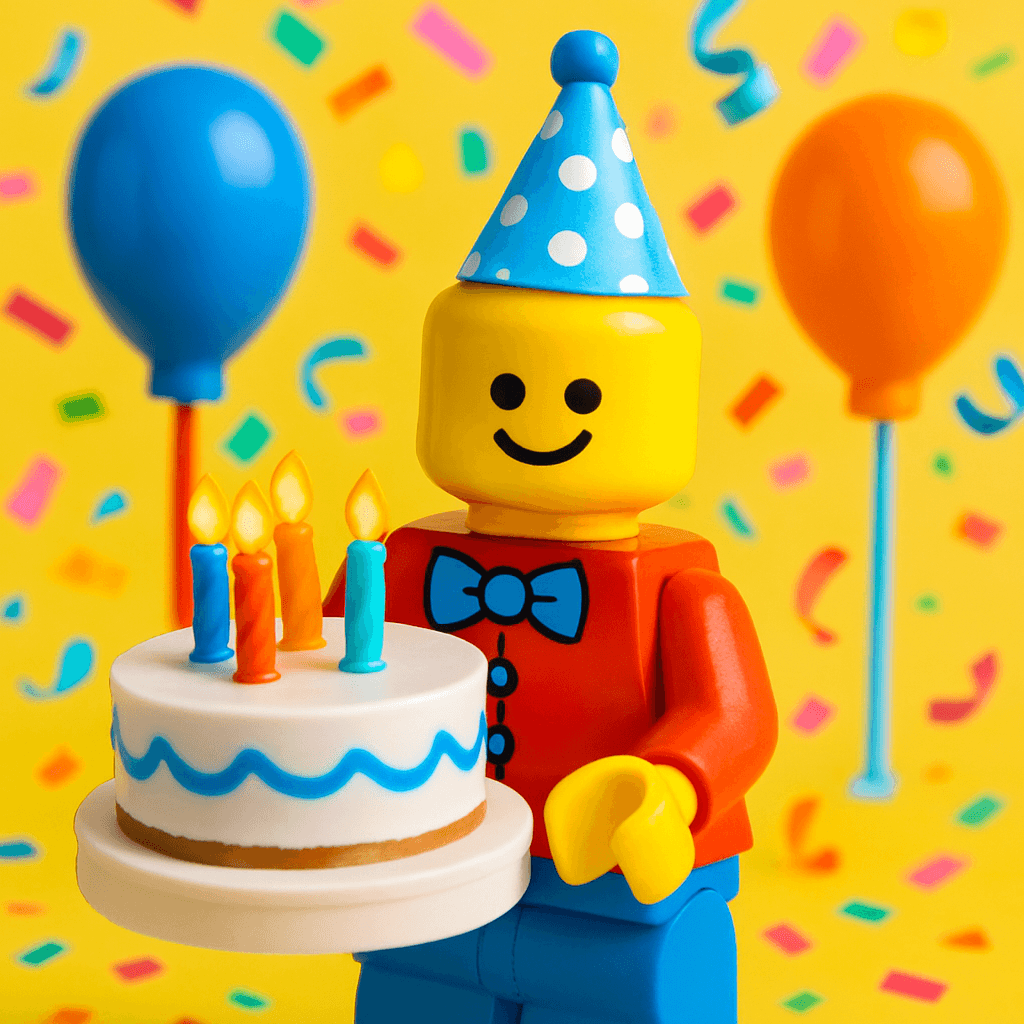
Party Decorations
Cake toppers, banners, centerpieces, and favor bags. Turn the guest of honor into a Minifigure for a party they'll never forget.
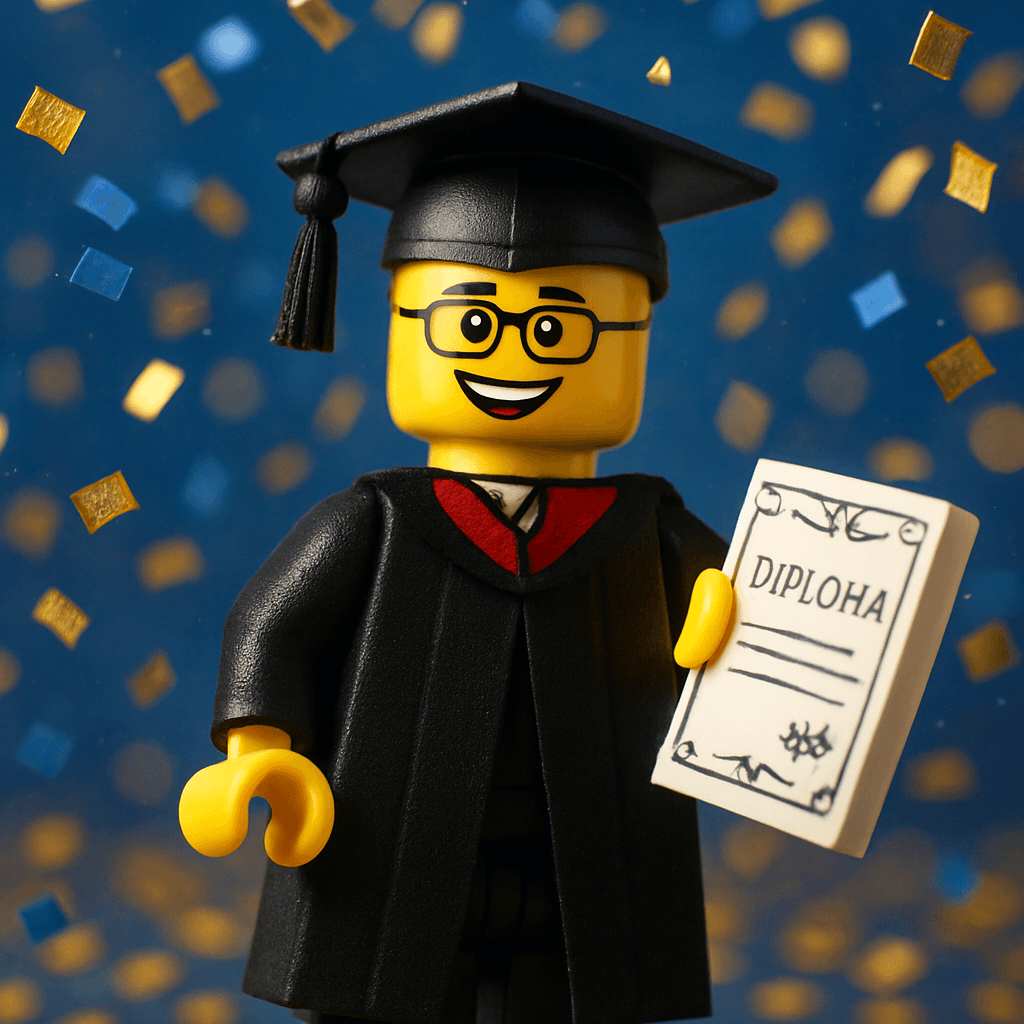
Greeting Cards & Invitations
Cut your avatar into cards and party invitations with Cricut. A personalized touch that mass-produced cards can't match.
How It Works
- 1
Generate your avatar on MiniFigureAI
Upload a selfie and pick from 50+ styles. Your AI avatar is ready in about 60 seconds — no design skills needed.
- 2
Download the image
Download your avatar as a high-resolution PNG. The image is sized and ready for crafting — no upscaling or editing required.
- 3
Import into Cricut Design Space
Upload the PNG to Design Space. Cricut automatically detects the transparent background and sets it up for Print Then Cut.
- 4
Print Then Cut — the machine cuts perfectly around your avatar
Your inkjet printer prints the design. The Cricut scans the registration marks and cuts precisely around every edge. No scissors, no guessing.
- 5
Apply to your product
Press iron-on to a t-shirt, peel stickers onto a laptop, sublimate onto a mug — whatever you're making, the process is the same from step 1 to 4.
Perfect for Cricut, Silhouette & Brother
MiniFigureAI avatars are standard PNG files with transparent backgrounds — they work with any Print Then Cut compatible cutting machine. Whether you use a Cricut Explore, Cricut Maker, Silhouette Cameo, or Brother ScanNCut, the workflow is identical.
Cricut Explore / Maker
Full Print Then Cut support
Silhouette Cameo
Use Print & Cut via Silhouette Studio
Brother ScanNCut
Scan your printed design to cut
Popular Styles for Crafting
Minifigure
Classic toy look with clean edges. Great for kids' shirts, bags, and sticker sheets.
Chibi
Ultra-cute proportions. Perfect for stickers, keychains, and anything you want to collect.
Pop Art
Bold colors and high contrast. Stunning on mugs, tote bags, and phone cases.
Pixel Art
Retro 8-bit charm for gamers. Looks incredible on dark t-shirts and mousepads.
Cost Comparison
Custom physical minifigures from specialty retailers can cost $30–60 each. With MiniFigureAI and a Cricut, you get a fully personalized avatar for a fraction of the cost.
| Option | Cost per Avatar | Personalized? |
|---|---|---|
| Custom physical minifigure (retailer) | $30–$60 | Limited options |
| MiniFigureAI + Cricut | $0.33–$0.60 per avatar + materials | Fully personalized, 50+ styles |
Avatar cost based on credit packs. Materials (iron-on, sticker paper) are additional.
Step-by-Step Tutorials
Crafting Guide
How to Put Your AI Avatar on a T-Shirt with Cricut
Full step-by-step tutorial for iron-on t-shirts. Materials list, sizing guide, and pro tips.
Read the tutorial →Crafting Guide
Make Custom Stickers from Your AI Avatar with Cricut
Die-cut sticker tutorial. Kiss-cut vs die-cut explained. Waterproof sticker instructions.
Read the tutorial →Start Free — Generate Your Avatar, Then Make It Real
Your first avatar is free. No account, no credit card, no app download required. Generate it now and have something ready for Cricut in under 60 seconds.
Generate Your Avatar FreeNo credit card required · First avatar is always free