
Team Offsites & Retreats
The Offsite Activity That Doesn't Feel Like an Offsite Activity
Updated March 2026 · 7 min read
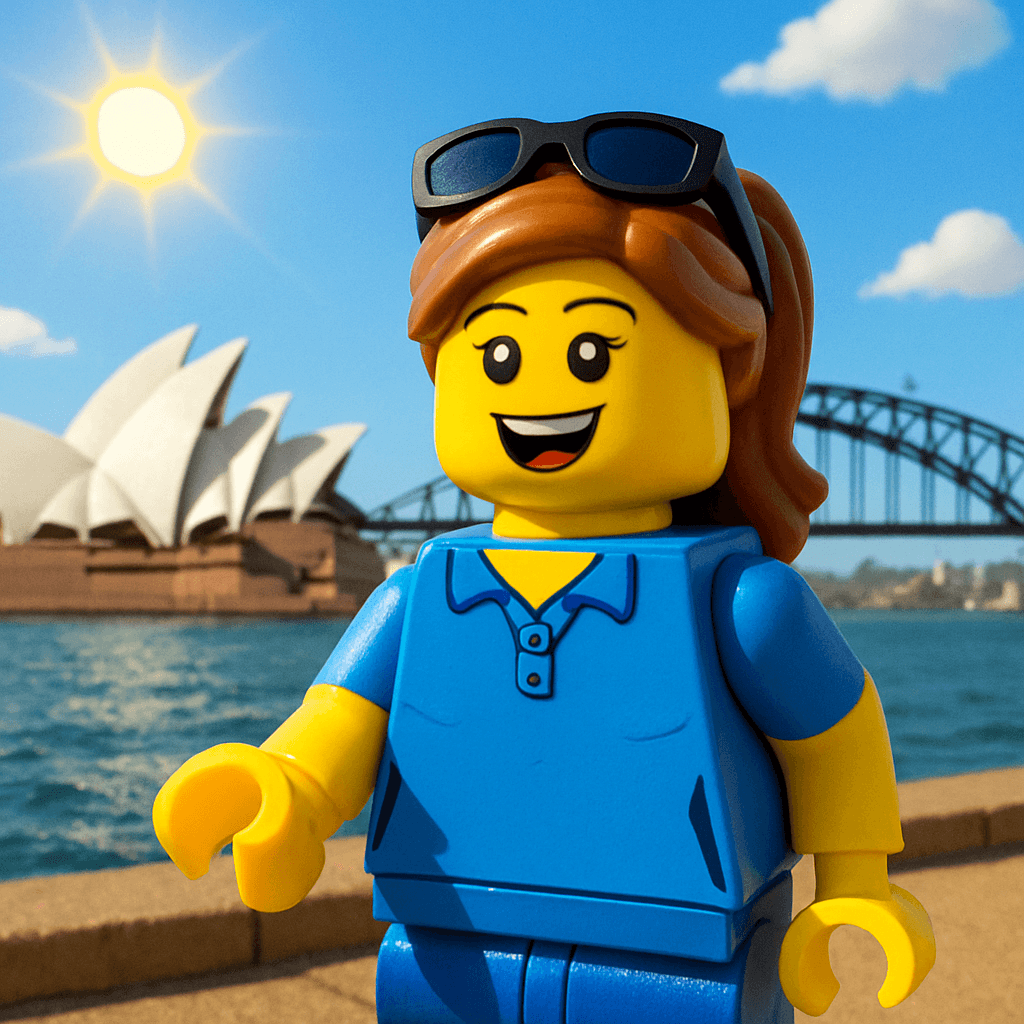
Your team is in Sydney. Fourteen people from five cities, some meeting for the first time. The schedule says "ice breaker" at 10am and half the room is already dreading it. Trust falls? Two truths and a lie? A scavenger hunt designed by someone who's never been to Sydney?
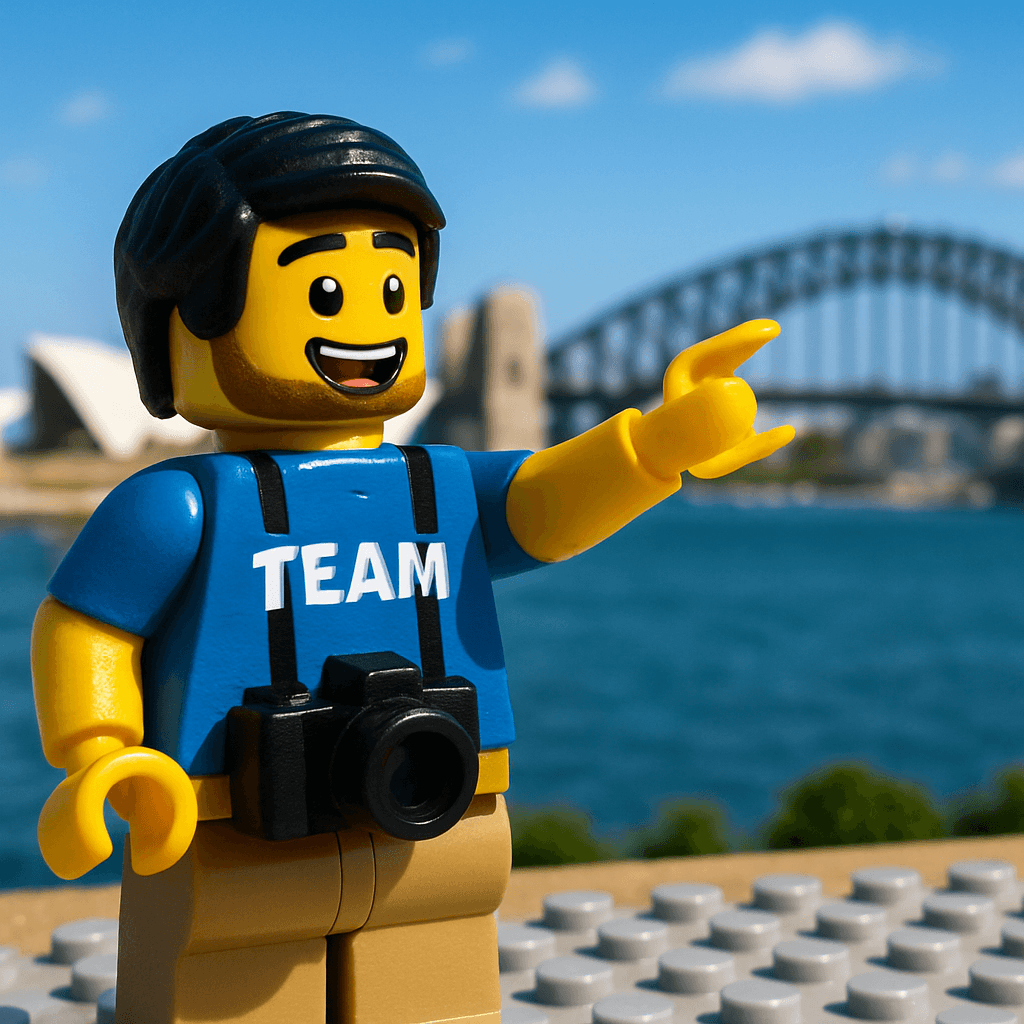
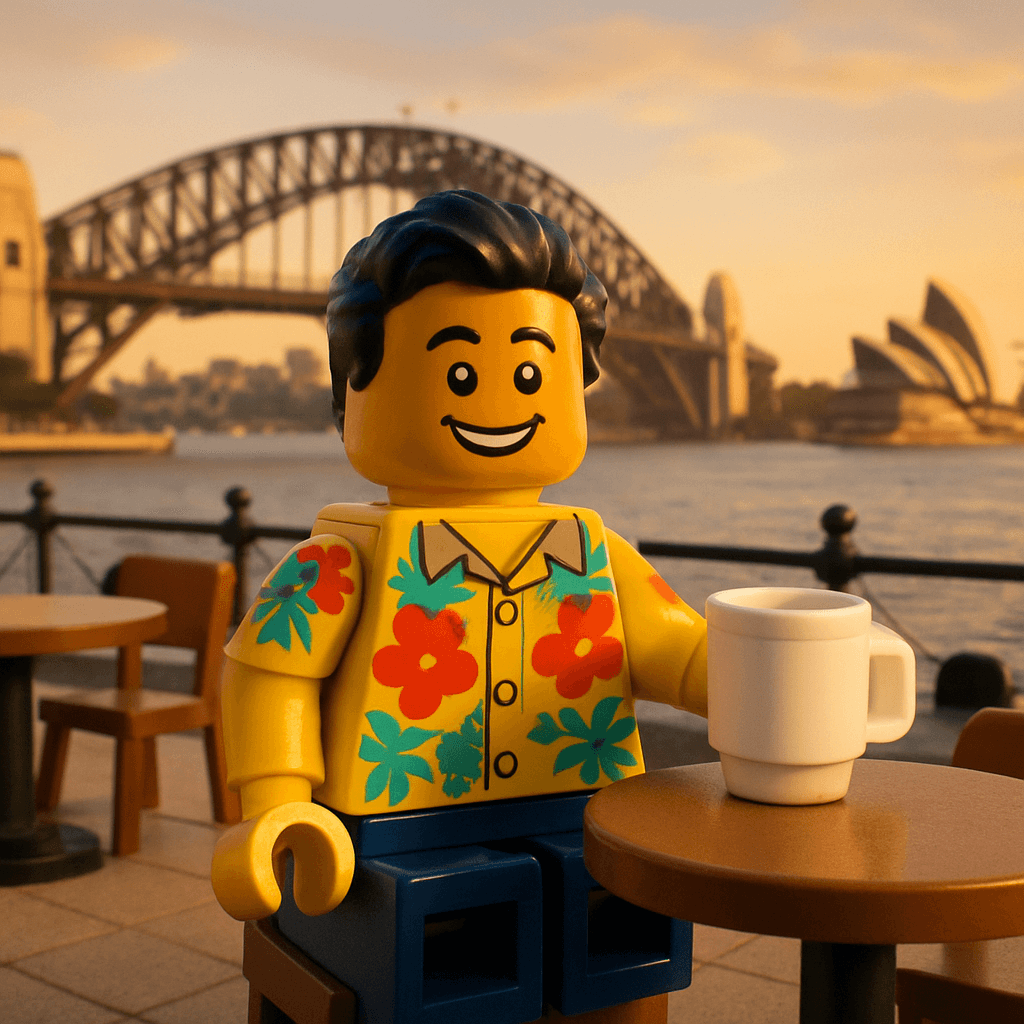
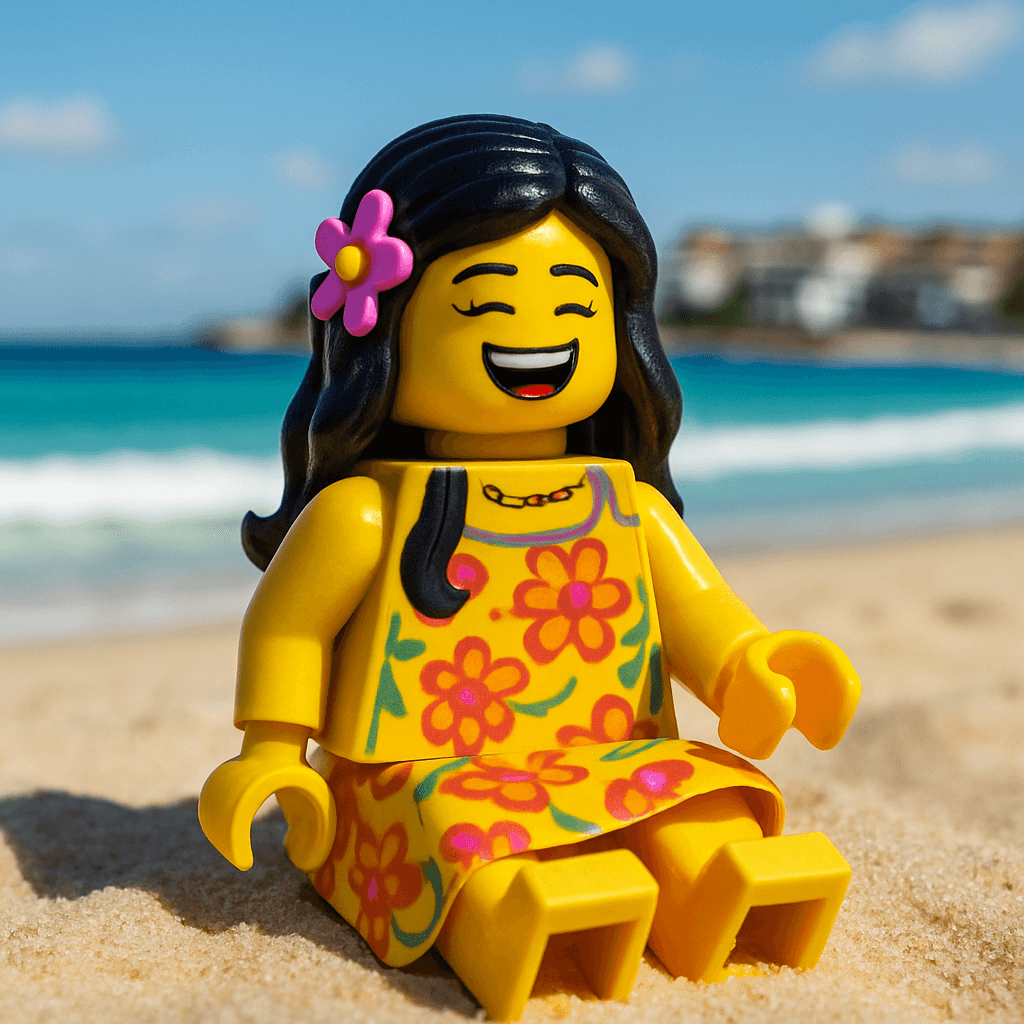
Instead, you pull up a QR code on the conference room screen: "Before we start, let's build the team wall. Scan this and turn yourself into a Minifigure." The room goes quiet for thirty seconds. Then the first person laughs at their avatar. Then the person next to them looks over: "Wait, yours has glasses too?" Two minutes later, everyone is comparing avatars, showing them to the person across the table, and writing messages about what they're looking forward to this week.
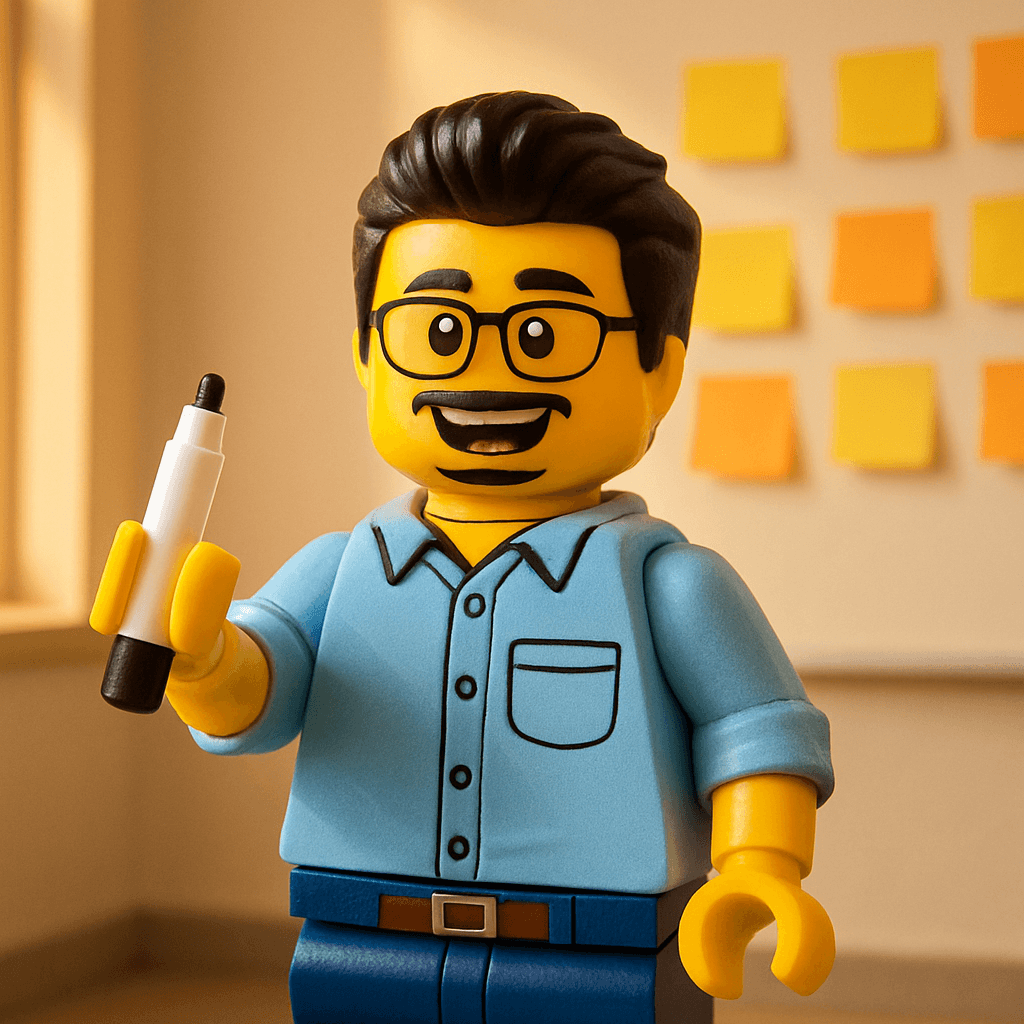
The Social Wall on the TV fills up: fourteen faces, fourteen messages. The ice isn't just broken — it's dissolved. And the avatars become the team's visual identity for the rest of the week: Slack profiles, name badges, the WhatsApp group photo, and eventually a printed poster that hangs in the office for the next year.
The Guest Experience
Scan QR
Opens in browser — no app needed
Take Selfie
Or upload any clear photo
AI Generates
60 seconds of magic
See the Reveal
Confetti + 3D animation
Share & Download
Stories, GIF, print
Social Wall
Your face joins the wall
Scan → Selfie → Avatar → Wall — the entire flow takes under 2 minutes
Team Retreat
Engineering Offsite — Sydney 2026
March 10–12, 2026
Sarah (NYC)
“First time meeting everyone in person — already feels like family.”
 MILESTONE
Dev (London)
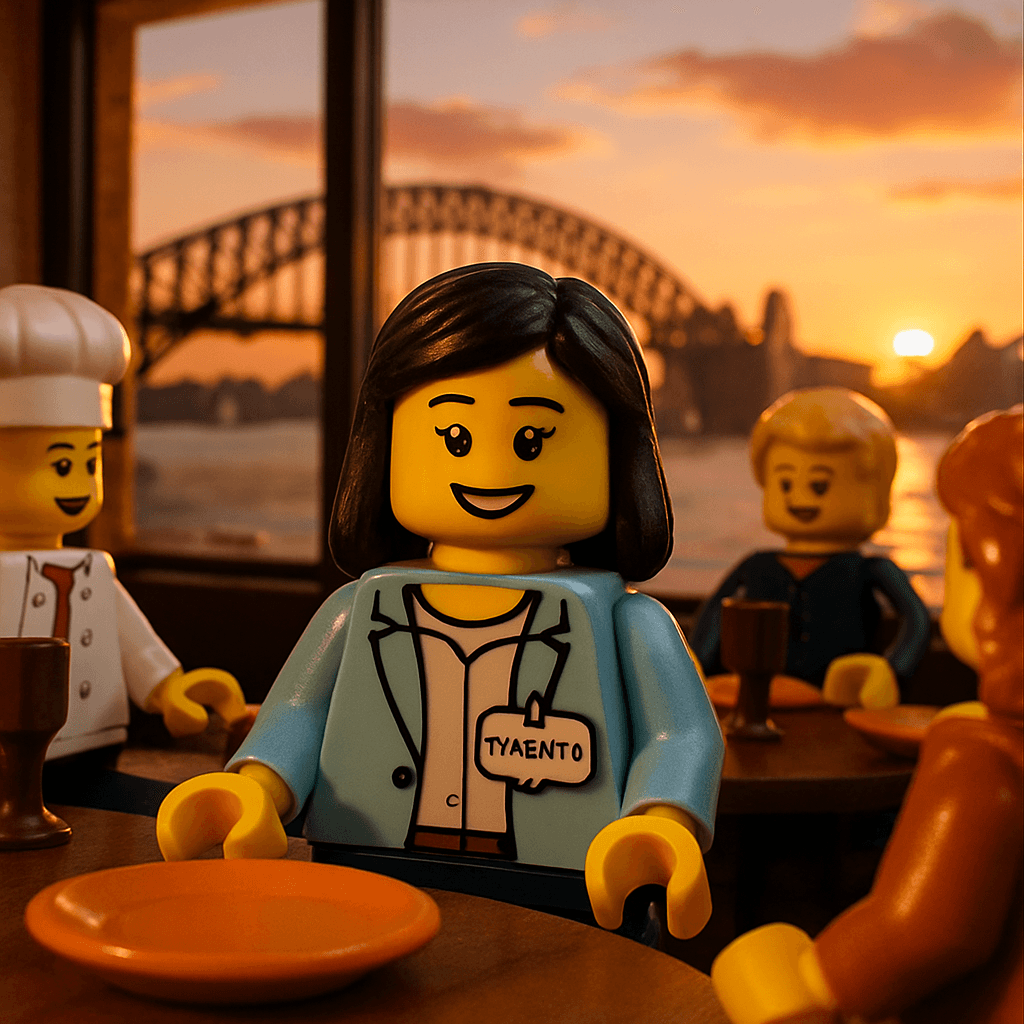
“The harbour bridge at sunset was unreal. The company of this team was better.”
Jordan (SF)
“Day 2 and I already don't want to go back to Slack.”
Priya (Bangalore)
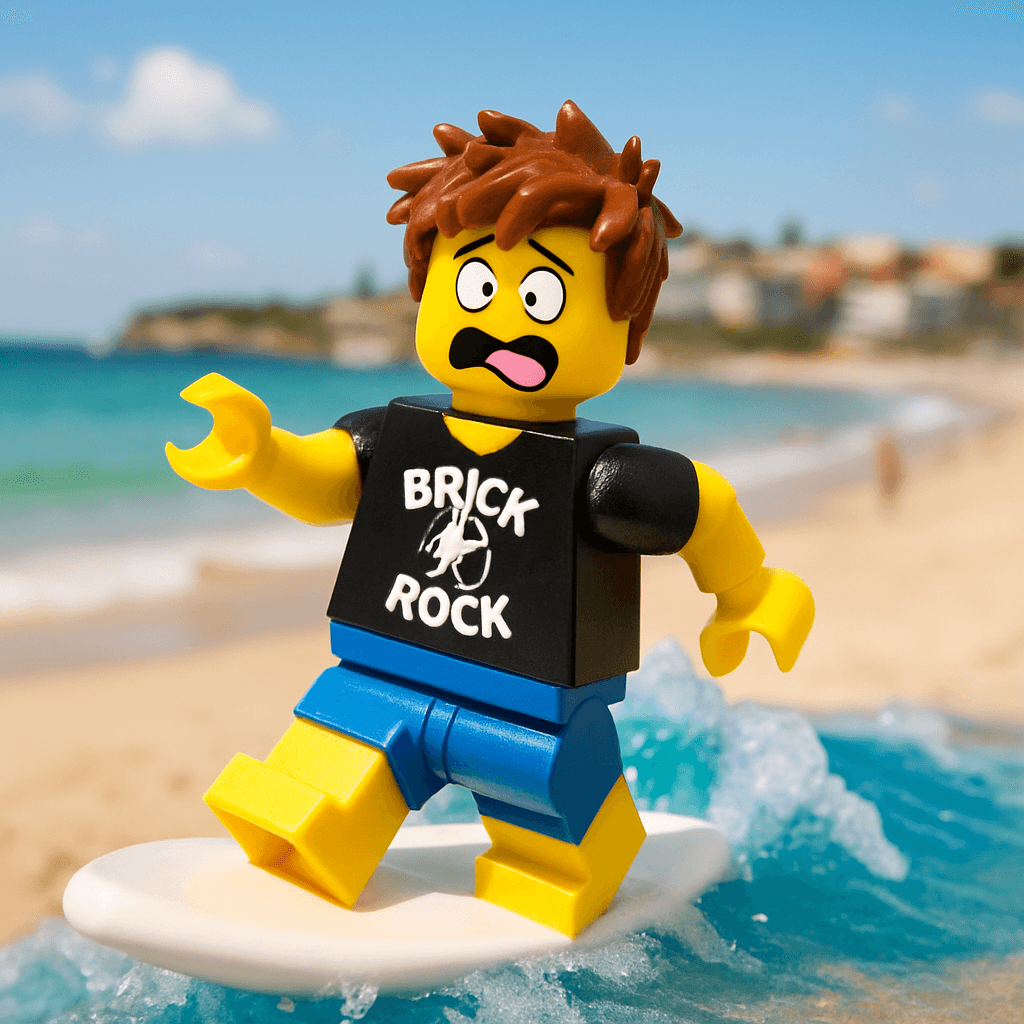
“Turns out the CTO can't surf but can definitely laugh at himself.”
Alex (Berlin)
“The best tapas I've ever had with the best team I've ever had.”
Kim (Toronto)
“This retreat reminded me why I chose this company. Thank you.”
Why Team Offsites Need This
Every offsite has two problems: the ice breaker is always awkward, and there's rarely a tangible artifact that survives the flight home. The MiniFigureAI avatar wall solves both.
Breaks the ice naturally
No forced vulnerability. No public speaking. People scan their phone, laugh at their avatar, and start talking to each other about it. The activity is the conversation starter.
Takes 5 minutes, not 45
Most ice breakers eat into productive time. This one runs in the background. People generate their avatar while waiting for coffee, and the wall fills up organically.
Works for introverts too
Not everyone thrives in "go around the room" activities. The booth lets quiet team members contribute at their own pace, from their own phone, without an audience.
Produces lasting artifacts
Matching Slack avatars. A printed team poster. An About Us page refresh. The offsite activity becomes a year-long visual identity.
AI Avatar Photo Booth
Engineering Offsite — Sydney
Build the team wall — scan to create your avatar
Scan the QR code
Take a selfie
Get your AI avatar in 60 seconds
Powered by MiniFigureAI
Offsite Scenarios
The Remote Team That Finally Meets
Your team is distributed across four time zones. Twice a year, everyone flies to one city. The avatar wall marks the occasion — it says "we were all in the same room, on this date, and this is who we are." Set the message prompt to "What are you most looking forward to this week?" and the wall becomes a shared anticipation board. By the end of the retreat, change it to "What's one thing you'll take home from this week?" for a closing reflection.
The Cross-Functional Kickoff
Engineering, design, product, and marketing in one room for a project kickoff. People who've only seen each other as Slack handles. The avatar wall puts a (delightful, AI-generated) face to every name. It's the visual roster for the project — print it and pin it in the war room. Use the message prompt: "What superpower do you bring to this project?"
The Annual Company Retreat
Fifty people at a resort in Bali. Day one, first session: everyone generates their avatar. The Social Wall is displayed in the common area for the entire retreat. Over three days, it becomes a living diary — people add messages as memories happen. "The sunset kayak was unreal." "Turns out the CEO can't surf but can definitely laugh at himself."Download the wall as a video before the flight home.
The Leadership Summit
Twelve directors and VPs in a room for strategic planning. Use the avatar wall as a lighthearted opener before the heavy discussions begin. The message prompt: "What's the one thing you want this team to accomplish this year?"It surfaces strategic priorities in a format that's personal rather than corporate. Screenshot the wall and reference it in the quarterly review.
The Multi-Day Social Wall
For multi-day offsites, the Social Wall becomes a living diary. Here's how to use it across the entire retreat:
Everyone generates their avatar during the opening session. Prompt: "What are you most excited about this week?"
Leave the wall running in the common area. People add messages throughout the day as experiences happen: "The cooking class was chaos and I loved it."
Closing session. Switch the prompt to: "What's one thing you're taking home from this retreat?" The wall becomes a reflection board.
Download the wall as a video. Share it in Slack. Print the Day 1 grid as a poster. The retreat lives on.
Setup: What the Organizer Needs to Do
- 1
Before the offsite: Create the event (2 min)
Name it (e.g., "Engineering Offsite — Sydney 2026"), pick a theme (Minifigure is the safest bet; let the team vote if you want buy-in), and set a credit budget that covers your headcount plus 15%.
- 2
At the venue: Display the QR code and Social Wall
Print the QR code on table cards or display it on the projector. Open the Social Wall on a dedicated screen — a TV in the common area, a laptop at the coffee station, or a projector in the main room. This screen runs the entire offsite.
- 3
Kick it off in the first session
"Before we start, let's build the team wall. Scan the QR code and turn yourself into an avatar." Give people 3–5 minutes. The Social Wall fills up on the big screen in real time. Natural laughter and conversation follow. Ice: broken.
- 4
After the offsite: Distribute and repurpose
Download individual avatars and share them with the team. Offer them as optional Slack profile pictures. Print the grid as a poster. Use them in the company wiki, About Us page, or all-hands deck.
Missing Sydney already
Jet lagged but inspired
Best offsite ever
Planning the next one
Matching 6-person team avatar set
After the offsite: matching Minifigure avatars in every Slack channel
Engineering Team
Sydney Offsite — March 2026





minifigureai.com
Print the grid as a poster — visitors always ask about it
What Happens After the Offsite
The best offsite activities produce artifacts that outlive the event. Here's how teams repurpose their avatar set:
Slack & Teams profiles
Matching avatar style across the entire team. New hires immediately notice and ask "How do I get one?" — instant culture signal.
About Us page
Replace generic headshots with avatars that show personality. Candidates browsing your site see a team that doesn't take itself too seriously.
Printed team poster
The Social Wall grid printed as a poster and hung in the office. Visitors ask about it. New hires see it on day one. It says: we did something together.
Internal decks & org charts
Use avatars in all-hands presentations, team wiki pages, and org charts. They add personality without requiring everyone to schedule a photo shoot.
Social media
Post the team grid to LinkedIn: "Our engineering team at this year's offsite in Sydney." It's employer branding that actually gets engagement.
Annual tradition
Do it every offsite. Year over year, the team builds a visual archive: "Here's the 2025 grid, the 2026 grid..." — a tradition that writes itself.
Frequently Asked Questions
What's the best ice breaker for a team offsite?
An AI avatar booth. It takes 5 minutes, costs under $20, requires zero equipment, and produces matching team avatars for Slack, the About Us page, and posters. People compare avatars and start conversations naturally — no forced vulnerability.
Does it work for remote-first teams meeting in person?
Especially well. When distributed teams finally gather, the avatar wall marks the occasion. It says "we were all here, together, on this date." Download the wall as a video keepsake and the offsite lives on in every Slack channel.
How many credits do I need?
One credit per avatar. Buy your headcount + 15% (some people make two). 30 credits: $9.99. 75 credits: $19.99. Credits never expire. See pricing.
Your Next Offsite Deserves Better Than Trust Falls
Try it free — create your first avatar and see what your team will experience.
No credit card required for first avatar · Credits never expire