
Seasonal Guide
The Best Mother's Day Gift Mom Didn't Know She Wanted
April 2026 · 5 min read
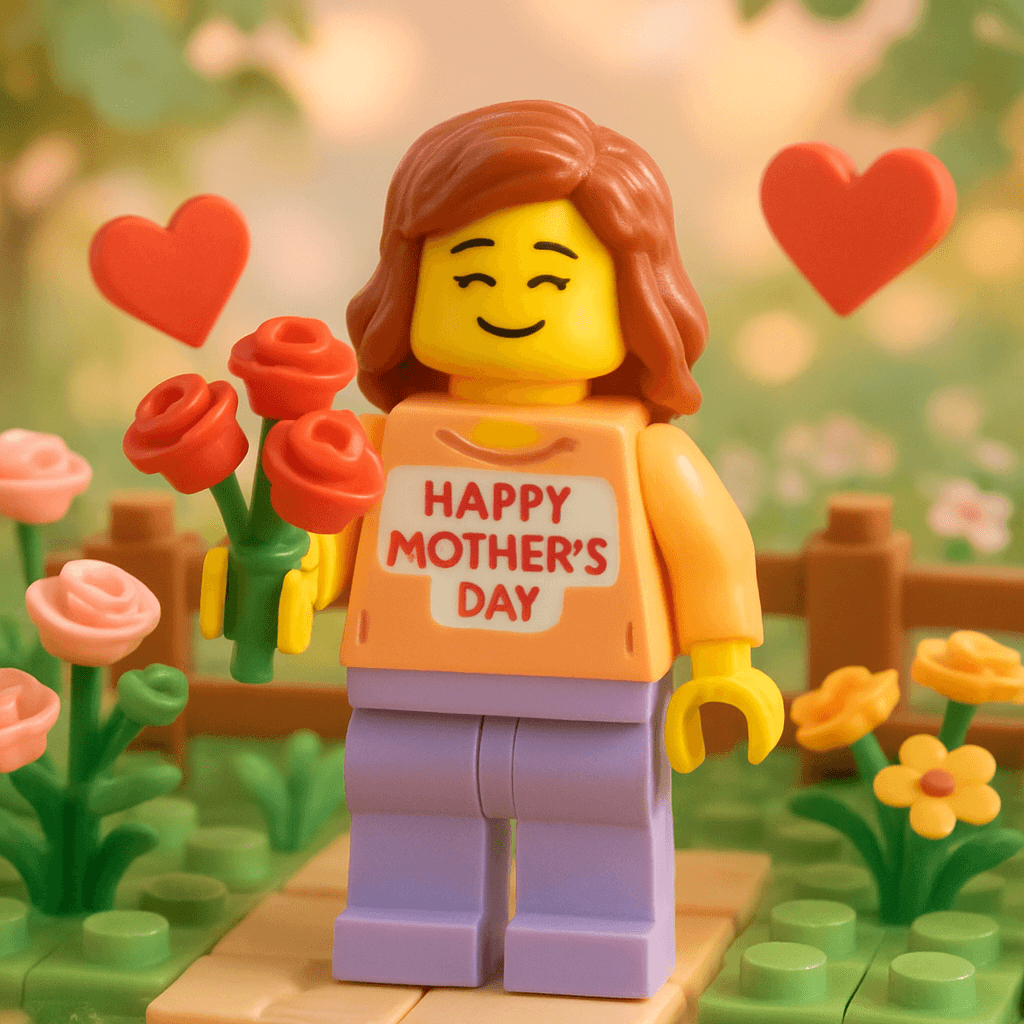
Every year the options are the same: flowers that wilt by Wednesday, a candle she already has three of, or a gift card that says "I ran out of ideas." This year, give her something made specifically for her — a custom AI avatar built from her own photo, styled as a beautiful illustrated portrait she can frame, share, or keep. It takes under 60 seconds to make at minifigureai.com, the first one is free, and it is the kind of gift that ends up on her desk for years.
Step-by-Step Guide
- 1
Upload Mom's photo
Head to minifigureai.com and upload a clear, well-lit photo of your mom. A front-facing portrait where her face is fully visible produces the most accurate likeness. A recent phone photo works perfectly — no professional photography required. - 2
Pick the Mother's Day style
Select the Mother's Day style from the style picker. The style produces a warm, beautifully illustrated portrait with a soft, celebratory aesthetic — the kind of image that looks like it was made specifically to honor someone. You can also explore any of the 50+ other styles if you know she has a favorite fandom or art style. - 3
Generate her avatar
Hit generate and the AI transforms her photo in about 30 seconds. The result is a high-resolution portrait that captures her likeness in the chosen style. Generate a few different styles to build a small gift set — she gets to keep all of them. - 4
Download the high-resolution PNG
Download the finished avatar as a high-resolution PNG file. It prints sharply at any standard gift size — 4x6, 5x7, or 8x10 — and works perfectly for digital delivery, framing, or print-on-demand gift products. - 5
Print, frame, or send it as the gift
Present the avatar however suits her best — a framed print she can set on her desk, a custom card, a digital reveal on the morning of Mother's Day, or a sticker sheet she'll actually use. The sections below cover the most popular presentation ideas in detail.
Tips for the Best Results
- Use a recent, well-lit photo where her face fills most of the frame. The AI reads facial features to build the likeness, so the more clearly visible her face is, the more accurate the result. Avoid group photos or shots where she is partially turned away. A candid photo from a family dinner works just as well as a formal portrait.
- Generate two or three styles and present them together as a gift set. A single avatar is a great gift. Three avatars — Mother's Day style, Ghibli, and Pixar, for example — is a memorable one. Each style shows a different side of her personality, and the set costs under $10 total.
- Order the print at least five days before the holiday. The avatar generates in 30 seconds, but standard shipping from online photo services like Shutterfly or Walmart Photo takes 2–5 business days. If Mother's Day is close, choose expedited shipping or pick up locally.
- Pair the avatar with a handwritten card for extra impact. Use the avatar as the cover image on a custom card — Canva has free greeting card templates where you can drop the PNG in and add your own message inside. The card becomes a keepsake rather than something that gets recycled after the weekend.
- Try a multigenerational set if you have a large family. Generate avatars of Mom, Grandma, and the kids in matching styles, then arrange them side by side in Canva as a family portrait. Print it as a 8x10 and frame it — it's the kind of gift that ends up on the living room wall.
Mother's Day style — warm illustrated portrait
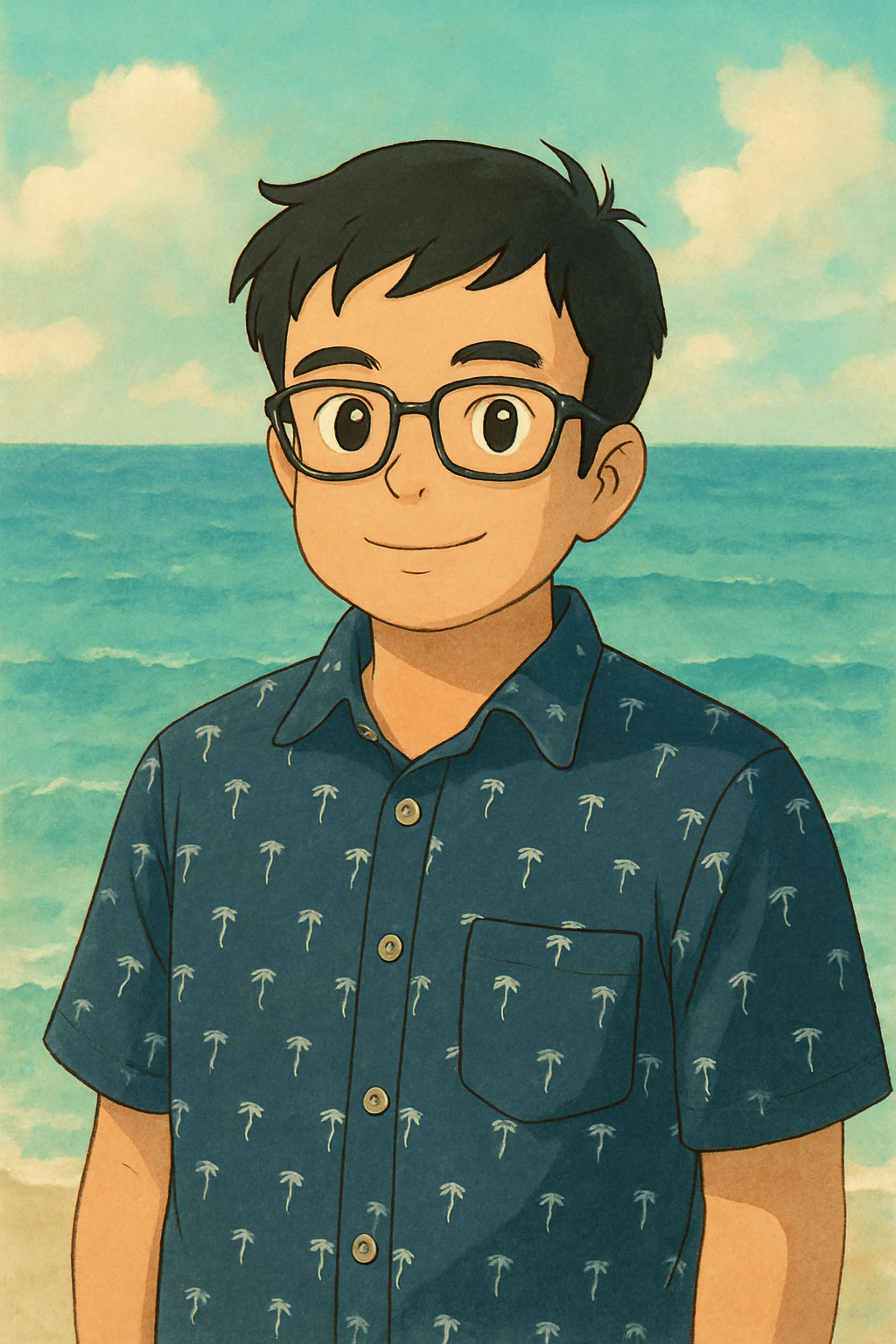
Ghibli style — a beautiful pairing for Mom
Why an AI Avatar Is the Best Gift Mom Didn't Know She Wanted
- It is genuinely personal. The gift is built from her photo — her face, her likeness, her identity. No version of this exists anywhere else in the world. That is the difference between a gift that communicates "I thought about you specifically" and one that communicates "I found something at the last minute."
- It does not clutter the house. Flowers die. Candles get used up. Another throw blanket joins the pile. A framed avatar goes on the wall or the desk and stays there — it adds to the space rather than adding to the mess.
- It is surprisingly affordable. The first avatar is free. Additional credits start at $2.99 — far less than the $30–$80 a custom illustrated portrait from an Etsy artist costs, with none of the 2–3 week wait time.
- Kids can give it too. A child uploading a photo of their mom and picking her favorite style is a gift with real meaning behind it. At that price point, it is also something kids can genuinely afford to give on their own.
- It is shareable. Moms post these. The avatar ends up on Facebook, Instagram, and the family group chat within hours of receiving it — which means the people who gave it get credit from the whole extended family.
5 Ways to Present a Mother's Day Avatar Gift
1. Framed print
Print the avatar at any online photo service — Shutterfly, Walmart Photo, or Snapfish — and frame it in a simple 5x7 or 8x10 frame. Total cost under $15. It goes from the envelope straight to her nightstand or office desk, where it stays for years. Add a small engraved plate with "Mom, 2026" for a finishing touch that costs about $5 extra.
2. Custom Mother's Day card
Drop the avatar PNG into a Canva greeting card template and write your message inside. Print it at home or through a print service. Unlike a store-bought card that gets recycled after the week, a card with her own illustrated face on the cover goes into the memory box.
3. Morning digital reveal
Send the avatar as a digital gift first thing on Mother's Day morning — text it, post it in the family group chat, or share it on her Facebook wall. Follow up with a printed version arriving in the mail later that week. The two-part delivery stretches the moment and gives her something to look forward to.
4. Multigenerational family portrait
Generate avatars of every family member — Mom, Grandma, siblings, kids — in the same style, then arrange them into a single family portrait using Canva. Print it as a large-format poster and frame it. Every mom in the family gets a copy, and the gift covers multiple people at once.
5. Phone case or mug
Upload the high-resolution PNG to a print-on-demand service like Printful or Redbubble and put it on a phone case, a ceramic mug, or a tote bag. A custom mug with her avatar costs about $12 and is something she will use every morning. Pair it with a framed print for a complete gift set that covers both the sentimental and the practical.
Other Styles to Pair With Her Gift
The Mother's Day style is the natural starting point, but the best gift reflects who she actually is. Consider adding one of these based on her taste:
- Studio Ghibli — For the mom who considers Howl's Moving Castle a perfect film. The painterly, whimsical style looks genuinely artistic and is the one most likely to end up as real wall art in the living room.
- Pixar — For the mom who cried during the Up opening and is not embarrassed about it. Warm, expressive, and immediately recognizable — she will want to show everyone.
- Minifigure — For the mom who loves to laugh. The iconic LEGO style is universally charming and works as a desk toy-style print or a sticker. Kids especially love giving the Minifigure version because it is immediately funny and endearing.
Frequently Asked Questions
How much does a Mother's Day avatar gift cost?
Your first avatar is completely free — no account or credit card required. After that, credit packages start at $2.99, and each credit generates one high-resolution avatar in any style. A three-style gift set — Mother's Day, Ghibli, and Pixar — costs under $9 total at standard pack pricing. That is less than most greeting cards plus a bouquet, and it lasts considerably longer.
Can I use an old photo of Mom?
Yes. Any clear photo where her face is fully visible will work, whether it is from last week or five years ago. The AI generates an avatar based on the likeness in the photo, so the output will reflect how she looked at the time the photo was taken. For the most current likeness, use a recent photo — but an older photo works perfectly if that is what you have.
How fast does it generate?
The avatar generates in about 30 seconds after you upload the photo. There is no queue or waiting period for standard generation. You can have the digital file ready to send or submit to a print service within a few minutes of starting. If you are printing and shipping a framed version, order at least five days before Mother's Day to allow for standard shipping time.
Is the image quality good enough to print and frame?
Yes. MiniFigureAI generates high-resolution PNG files that print clearly at standard framing sizes — 4x6, 5x7, and 8x10 all look sharp. For large-format prints above 11x14, use a professional print service that handles upscaling. Most people frame the 5x7 size, which prints beautifully at any online photo service for under $5.
Can I generate an avatar of Grandma too?
Absolutely. Upload a photo of Grandma, pick the same style, and generate her avatar alongside Mom's. Present both framed side by side — or combine them into a single two-person portrait using Canva — for a multigenerational gift that covers everyone at once. Each additional avatar costs one credit, so a two-avatar set is still well under $10.
Create Mom's Avatar Gift — Free to Try
Upload her photo and generate a personalized Mother's Day avatar in under 60 seconds. First avatar is free — no account required.
Create Mom's Gift — FreeNo credit card required · First avatar is free
MiniFigureAI is an independent product and is not affiliated with, endorsed by, or sponsored by LEGO Group, Disney, Pixar, Lucasfilm, Nintendo, Mojang Studios, Marvel, DC Comics, Studio Ghibli, or any other brand mentioned on this page. All trademarks belong to their respective owners. Avatars are AI-generated artwork inspired by popular art styles.