
Birthday Celebrations
AI Photo Booth for Birthday Parties: From Kids to Milestone 40th and 50th Celebrations
Updated March 2026 · 8 min read
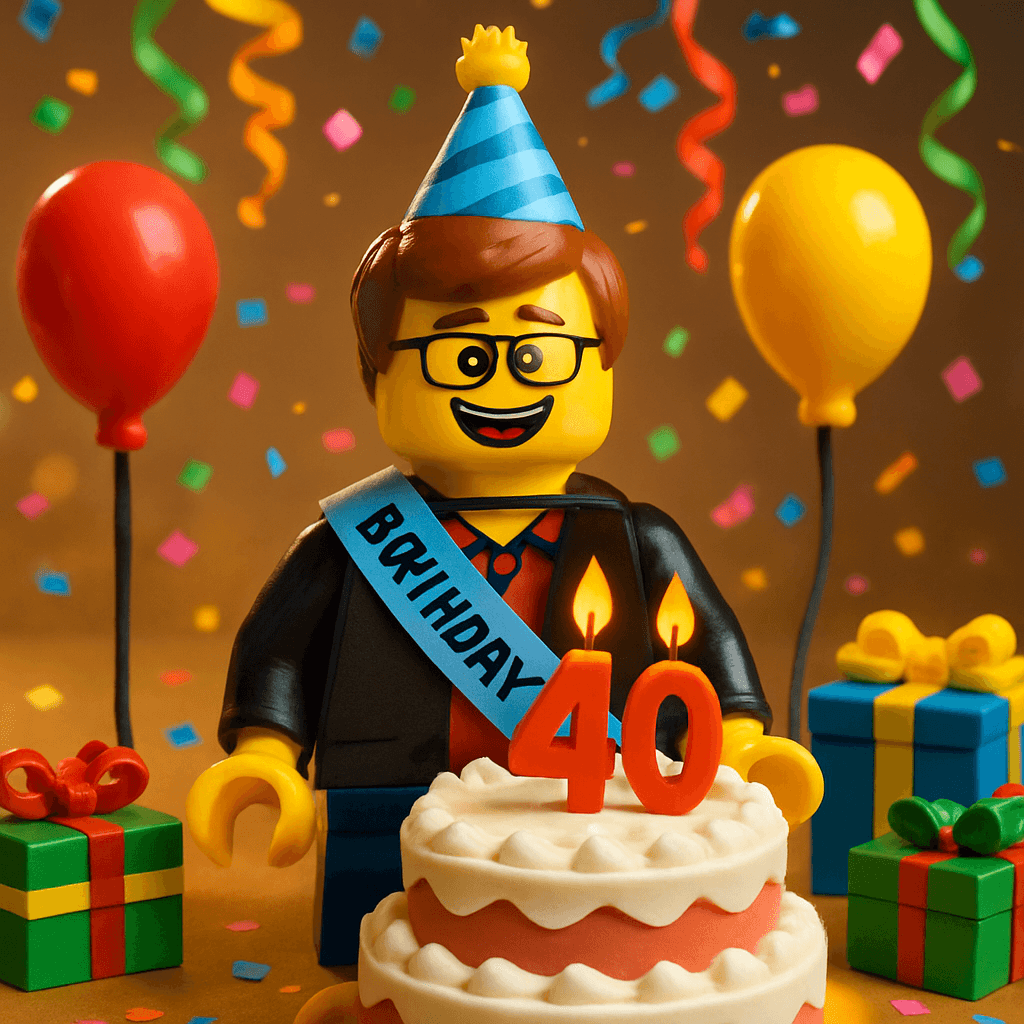
It's your best friend's 40th. You've planned the playlist, ordered the cake, and hung the "Over the Hill" banner (ironically, of course). But you want something that goes beyond the usual — something that captures who this person is and what they mean to the people in the room.
So you print a QR code on a small card and place one on every table: "Leave your mark — scan to become an avatar." By the time the birthday person arrives, the Social Wall on the TV already has twelve faces. Their college roommate. Their sister. Their neighbor from the old apartment. Each avatar sits beside a message: "Remember when we got lost in Lisbon and ended up at that tiny fado bar? That's when I knew we'd be friends forever."
By the end of the night, the wall has fifty avatars. Fifty faces from every chapter of their life, each one with a memory or a wish. You download it as a video and send it to them the next morning. That's not a party activity. That's a gift.
Birthday Celebration
Dave's 40th Birthday
April 12, 2026
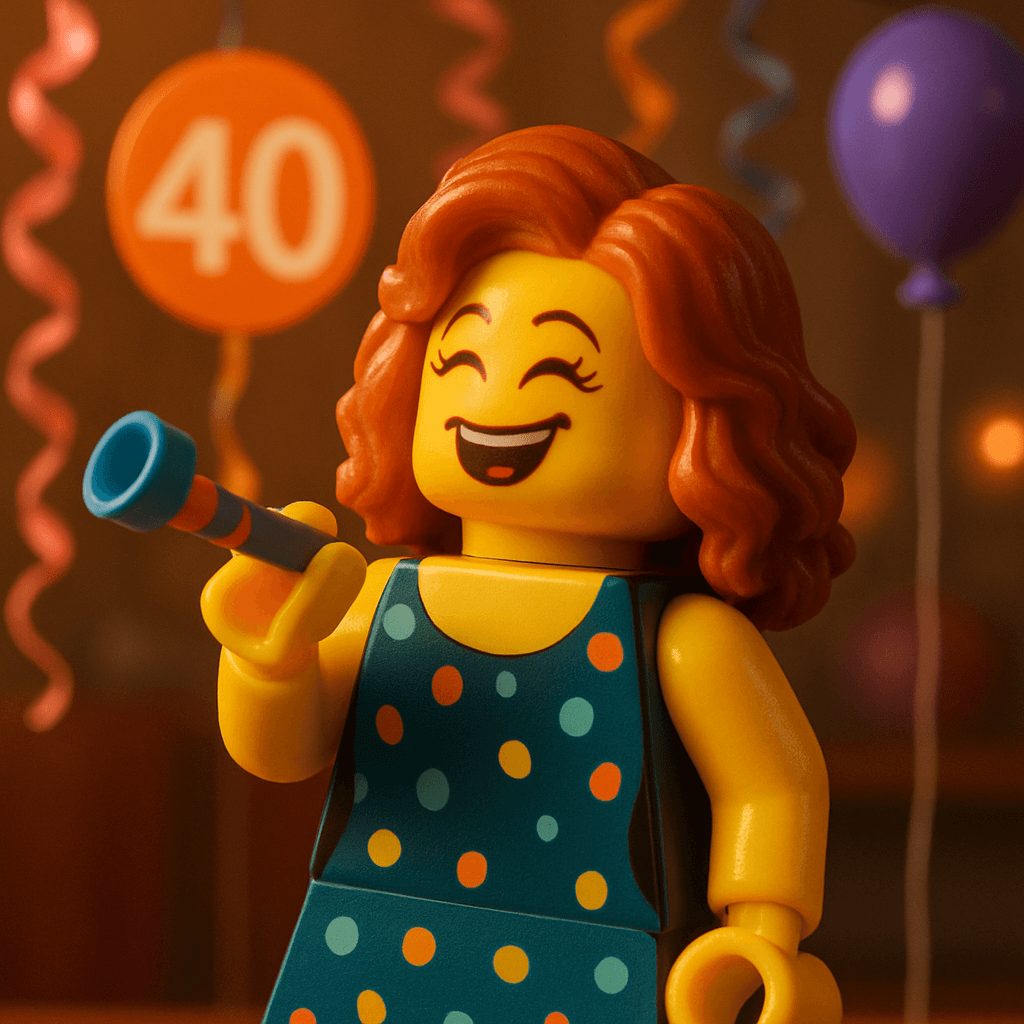
Rachel
“Remember when we got lost in Lisbon and ended up at that tiny fado bar? That's when I knew we'd be friends forever.”
 MILESTONE
Mom
“Forty years ago today you changed everything. Still my favorite person on earth.”
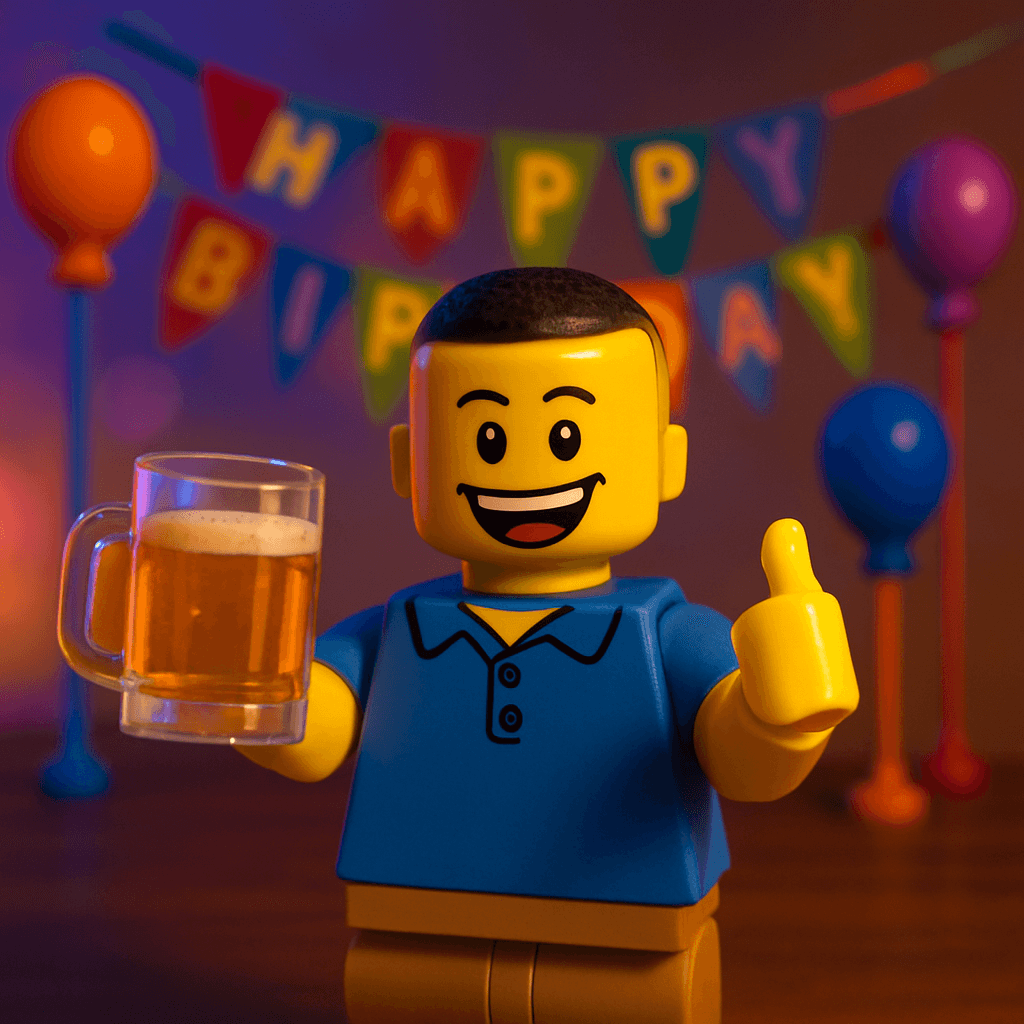
Jake from work
“You're the only manager who ever made Mondays feel survivable.”
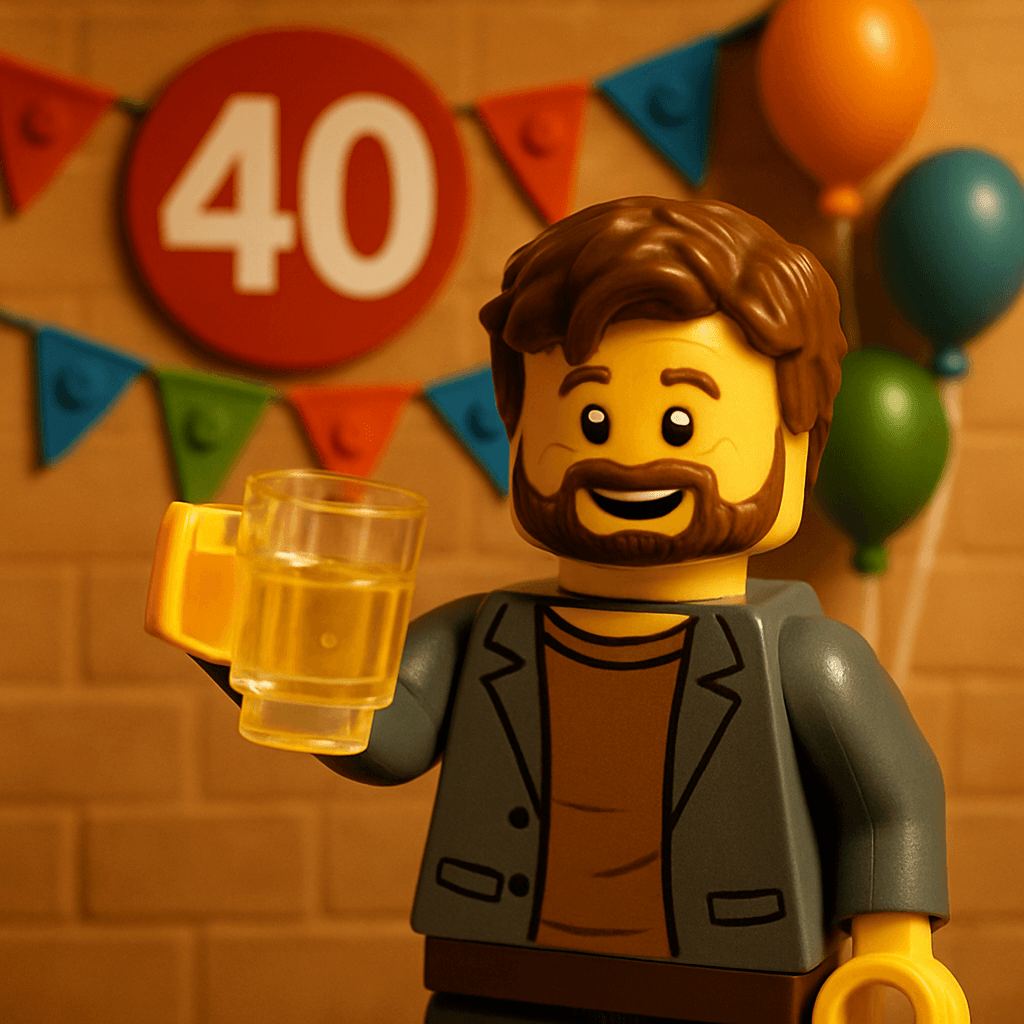
College Mike
“From dorm room ramen to THIS. Proud of you, brother.”
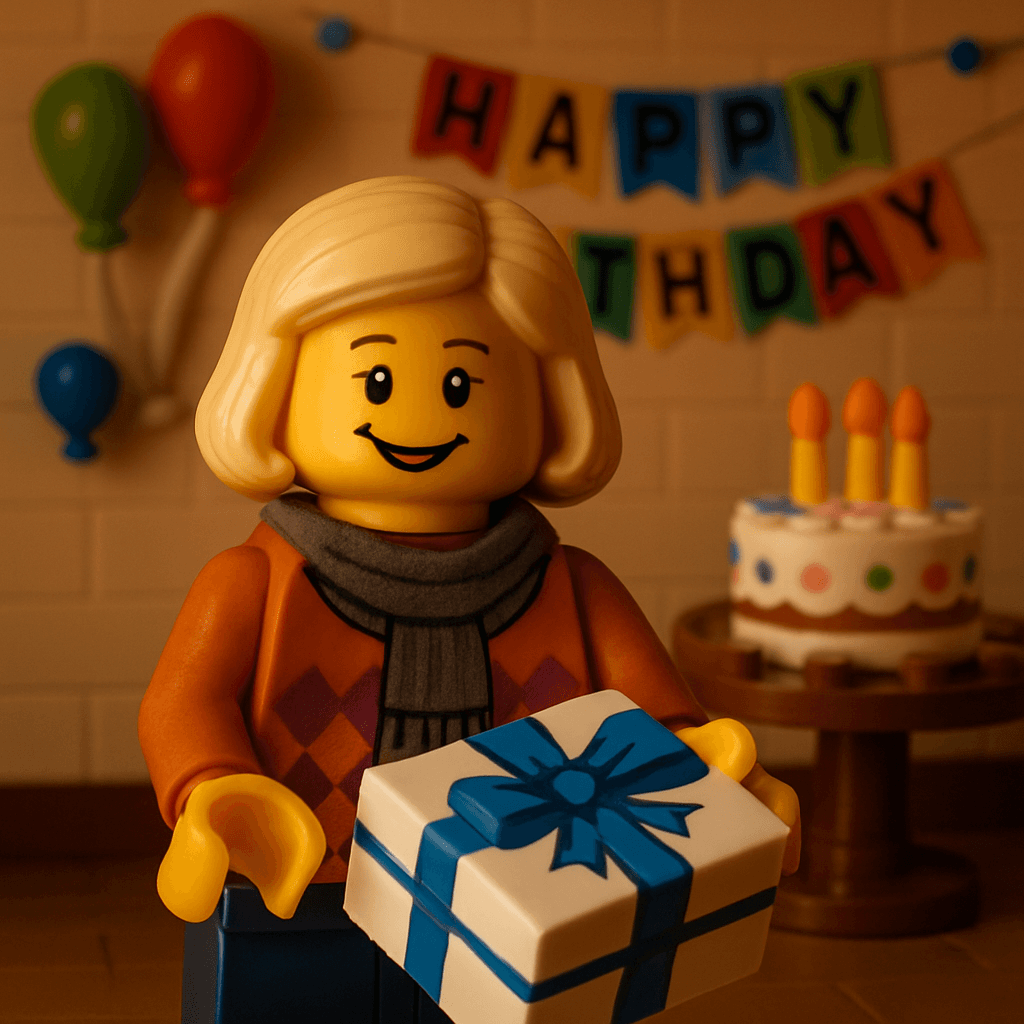
Neighbor Karen
“The world needs more people who shovel their neighbor's driveway without being asked.”
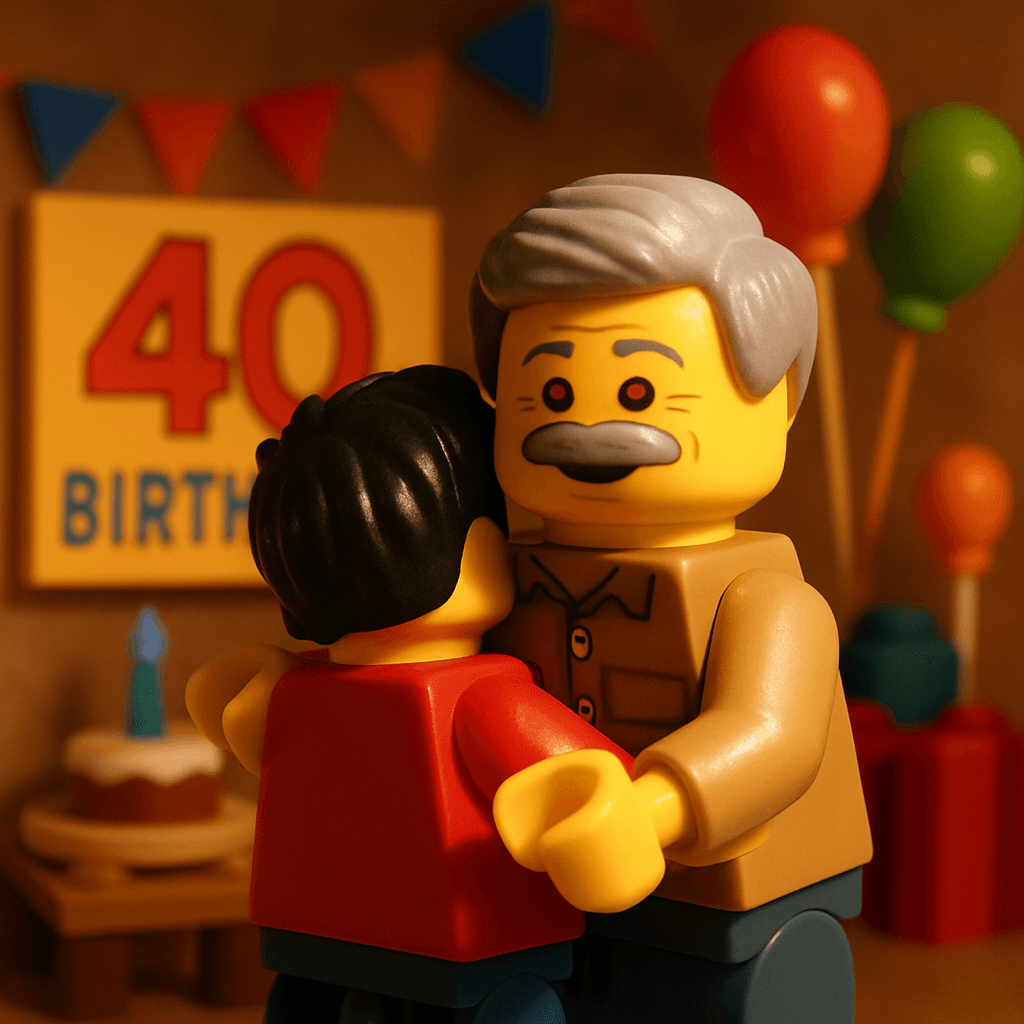
Uncle Rob
“Your dad would be so proud. He always said you were the best of all of us.”
Selfie
Rachel's photo
AI Avatar
Birthday style
Guests take a selfie and get transformed into a birthday-themed avatar in 60 seconds
Why It Works for Milestone Birthdays
A 30th, 40th, or 50th birthday isn't just a party — it's a gathering of every circle in someone's life. High school friends, college friends, work friends, family. People who've never met each other but who all showed up for the same person.
The MiniFigureAI Social Wall captures exactly that. It becomes a visual map of the birthday person's life — a mosaic of every relationship, every era, every inside joke. And because each avatar comes with a personal message, it's not just faces. It's stories. Memories. Wishes. Things people might never say out loud but will type into a phone while holding a drink.
The message prompt does the heavy lifting
The birthday prompt — "What's your favorite memory with them?" — draws out stories that a generic card never would. People write real things when they're given a specific, emotional question.
It includes people who can't be there
Share the party URL with friends and family who couldn't make it. They generate their avatar from wherever they are, and their face and message appear on the same wall. Distance doesn't matter.
The reveal creates a genuine moment
When the birthday person sees the full Social Wall for the first time — forty or fifty faces of the people they love, each with a personal message — it hits differently than opening a card. This is the moment people cry at.
Dave's 40th
Leave your mark for Dave — scan to become an avatar
minifigureai.com/party/...
Next to the cake, by the bar, near the entrance
Dave's 40th Birthday
Rachel's Avatar
Birthday Scenarios: From 7 to 70
Kids Birthday Parties (Ages 5–12)
This is the party favor that every kid actually wants. Set up the booth with a Nintendo, Minecraft, or Marvel theme. Kids scan the QR code (with parent help for the younger ones), take a selfie making their silliest face, and get transformed into a superhero, a Mario character, or a Minecraft avatar. The Social Wall on a TV becomes the center of attention — kids run over to find themselves, point at their friends, and beg to make another one.
Pro tip: Print each kid's avatar on a portable printer and send it home as a party favor. Parents love it. It costs less than a goody bag and lasts longer than candy.
Teen & Young Adult (18th, 21st)
The generation that lives on Instagram will share their avatar within seconds of the reveal. Use the Disney or Chibi theme for a polished, Story-ready output. The before/after GIF export is designed for TikTok and Reels — expect to see transformation videos from your party in your feed the next morning. The Social Wall serves double duty as a party backdrop and a live engagement tracker.
Pro tip: The Story Card export is pre-formatted for Instagram Stories at 9:16 ratio with your event name watermarked. Share the hashtag and watch the posts roll in.
The Big 30th
Thirty is where all the circles first overlap — college friends meeting work friends meeting hometown friends for the first time. The Social Wall becomes a visual introduction. "Oh, you're the one from the Barcelona trip!" People find each other's avatars and suddenly have something to talk about. The message prompt turns the wall into a scrapbook of the birthday person's twenties — the decade that made them who they are.
The Legendary 40th
Forty is when the party gets emotional. Speeches happen. Old friends fly in. The MiniFigureAI wall captures the weight of that — four decades of relationships rendered as a beautiful grid of faces and messages. The birthday person's parents are on there alongside their college roommate alongside their kid. It's a visual representation of a life well-lived, and it's more powerful than any card or gift.
Gift idea: Download the Social Wall video and frame a printed screenshot of the full grid. Give it to the birthday person with a note: "Everyone who showed up for you at 40."
The Golden 50th (and beyond)
For a 50th, 60th, or 70th celebration, the Social Wall becomes a legacy wall. Five or six or seven decades of people. Assign a "MiniFigure champion" to help older guests who aren't tech-confident — one minute of help makes the difference. The messages at these parties tend to be the most meaningful: decades-long friendships distilled into a few sentences.
Pro tip: Share the party URL with family members who live far away or can't travel. Their avatar and message appear on the wall even though they're watching from another city.
Birthday theme
Minifigure style
October birthdays
Want guests to pick their own style?
Enable Theme Override in your event settings. Guests will see your chosen theme by default, but can tap "Try a different style" to pick from any of the 50+ avatar themes. Perfect for kids parties where every child wants to be a different character.
With Theme Override enabled — every child picks their favorite style
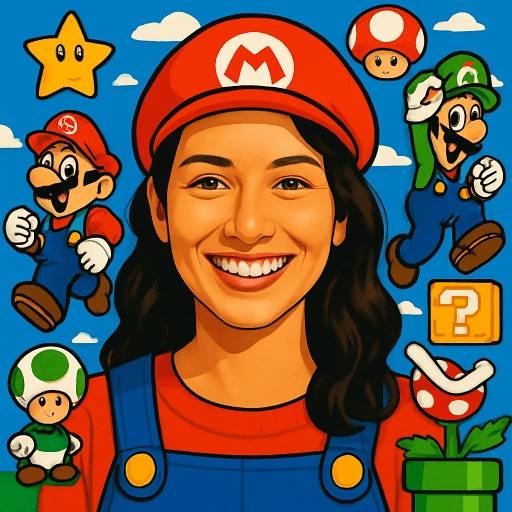
Emma
Nintendo
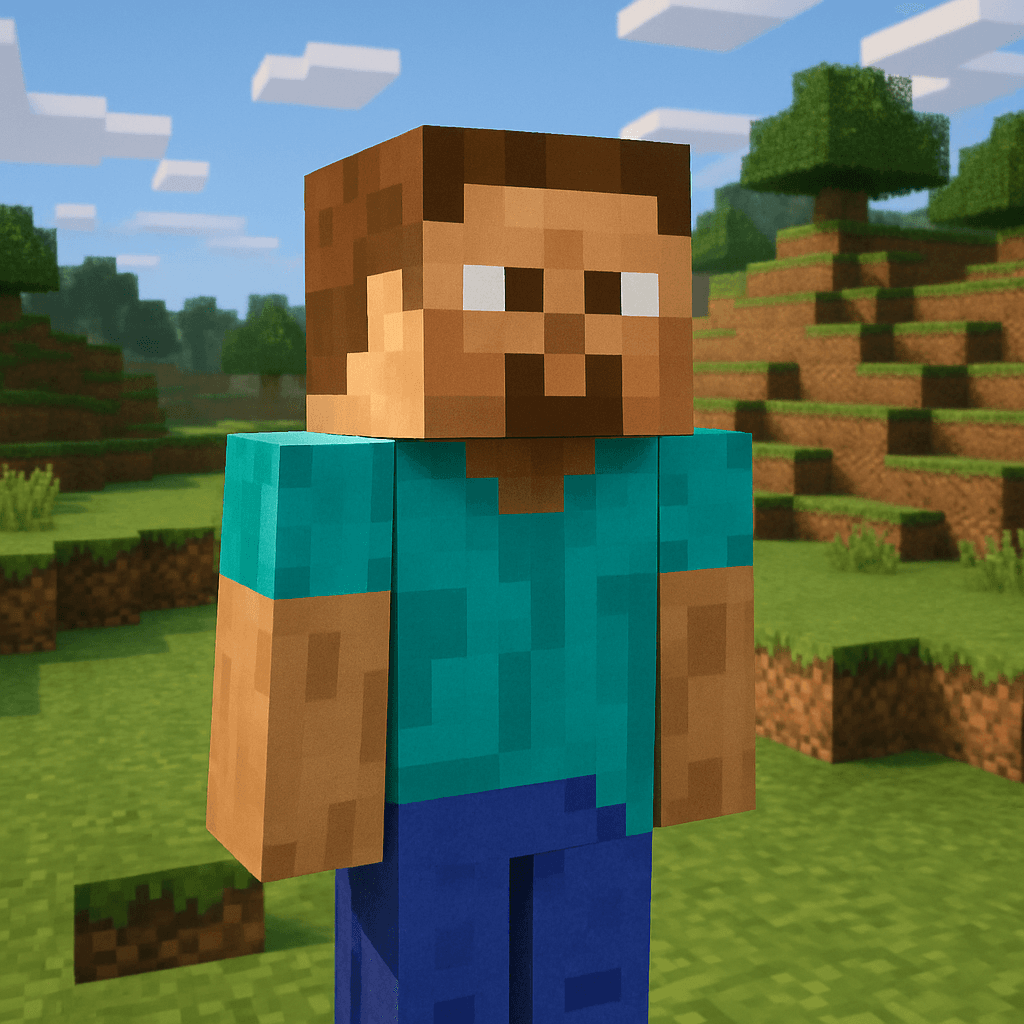
Liam
Minecraft
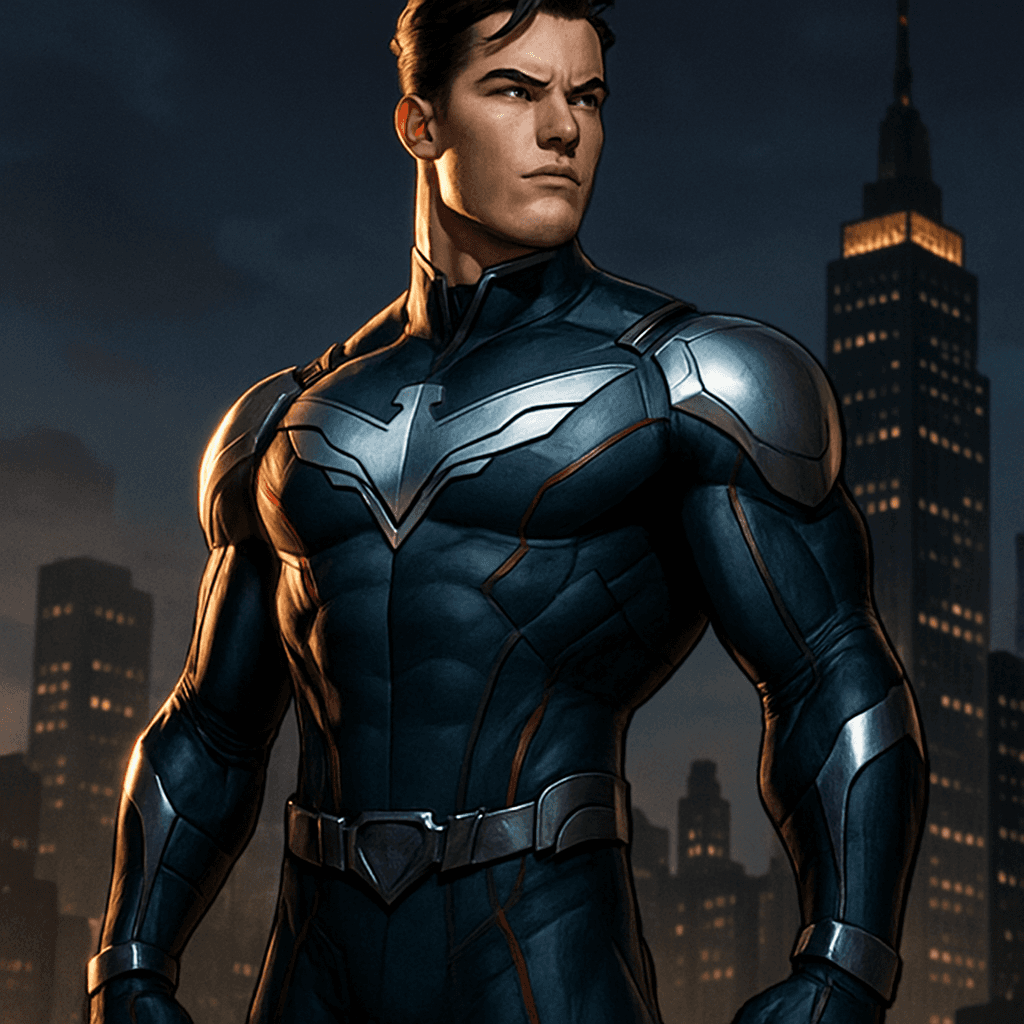
Sophie
Marvel
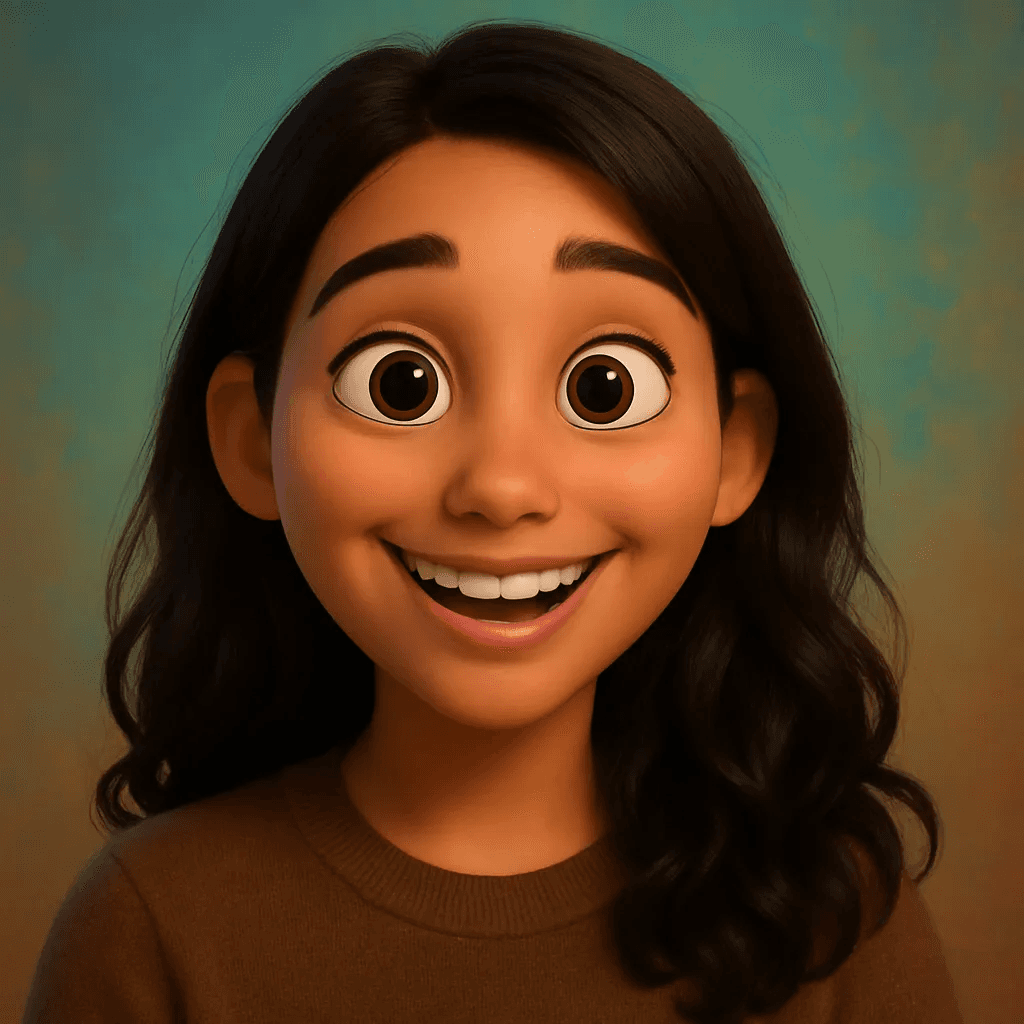
Noah
Pixar
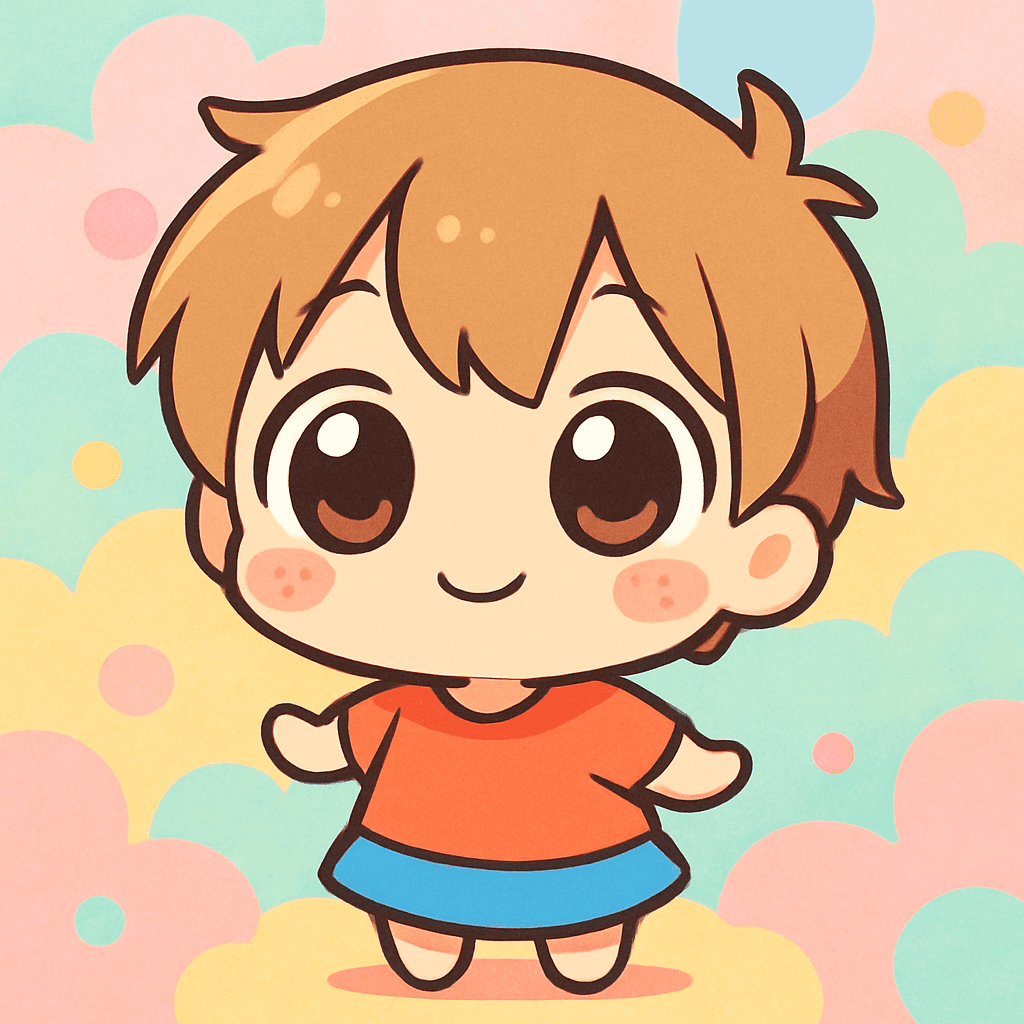
Olivia
Chibi

Jack
Star Wars
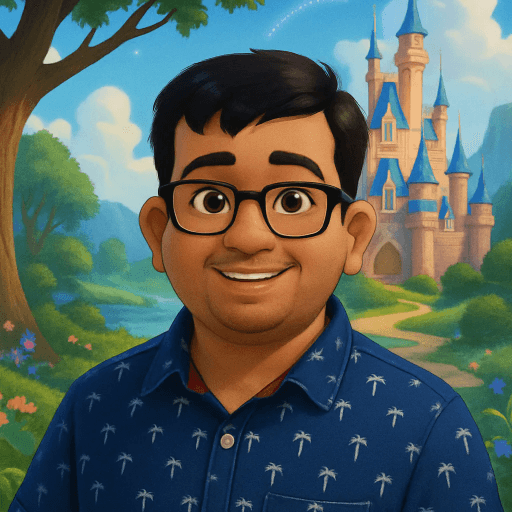
Mia
Disney
Ethan
RPG Hero
How to Set Up the Birthday Booth
- 1
Create the event (2 minutes)
Name it (e.g., "Dave's 40th"), pick the Birthday theme (or any theme that matches the party), set your credit budget, and enable guest name capture. You'll get a party URL and QR code instantly.
- 2
Print QR codes and place them everywhere
On every table, next to the cake, by the bar, near the entrance. Add a headline: "Leave your mark for [name] — scan to become an avatar." For kids parties, make it big and colorful. For milestone birthdays, integrate it into the table setting.
- 3
Set up the Social Wall display
Connect a TV, tablet, or laptop to display the Social Wall. Place it where the birthday person will see it — near the gift table, behind the head table, or as a focal point. Turn on slideshow mode for a slowly cycling display of each avatar and message.
- 4
Share the URL with people who can't attend
Text or email the party URL to friends and family who live far away. Their avatar and message will appear on the same wall as everyone at the party. It's the closest thing to being there.
- 5
Download the wall as a gift
After the party, download the entire Social Wall as a slideshow video. Send it to the birthday person the next morning — or print the grid as a poster and frame it. It's the gift that captures everyone who showed up.
Pro Tips by Age Group
Kids parties: Print physical avatars as party favors
A portable Bluetooth printer (Canon SELPHY QX10, ~$100) turns each avatar into a 2.7" square print. Hand them out as party favors. Parents will thank you. Kids will pin them on their walls.
Teen parties: Lean into the social sharing
Announce the party hashtag and encourage Story posts. The before/after GIF and Story Card exports are designed for viral sharing. Teens will compete to get the most creative selfie angle.
Milestone birthdays: Seed the wall before guests arrive
Send the party URL to a few close friends and family a day before the party. When guests arrive and see the wall already has 10 avatars and messages, they're more likely to contribute their own.
Surprise parties: Use the wall as the reveal
Have guests generate their avatars before the birthday person arrives. When they walk in, the first thing they see is a wall of faces — everyone who came to celebrate them. Instant emotional moment.
Buy 15% more credits than your guest count
Kids will want to make multiple avatars trying different styles. Adults will want to make one for a partner or child. A 40-person party needs about 46 credits. Over-buy slightly — credits never expire.
What It Costs
$9.99
30 credits
Perfect for a kids party or intimate celebration
$19.99
75 credits
For the big 40th or 50th with everyone invited
That's ~33 cents per guest. Compare to $500+ for a photo booth rental. See all pricing →
Frequently Asked Questions
How do I set up an AI photo booth at a birthday party?
Create an event on MiniFigureAI (2 minutes), choose a Birthday theme, and print the QR code. Guests scan, take a selfie, leave a message, and get their avatar in 60 seconds. Display the Social Wall on a TV.
What makes it good for milestone birthdays (40th, 50th)?
The combination of personalized avatars and heartfelt messages. Each guest writes a personal memory, and their avatar appears on the Social Wall. The birthday person ends up with a wall of everyone who showed up — faces and words from every chapter of their life. Download it as a video keepsake.
What themes work best for kids parties?
Nintendo, Minecraft, Marvel, Pixar, and Star Wars. Pre-select the theme in the QR code so kids go straight to the selfie. The Chibi style is a universal hit — cute without being character-specific.
How much does it cost?
$9.99 for 30 guests. $19.99 for 75. About 33 cents per avatar. Credits never expire. See all pricing.
Make Their Birthday Unforgettable
Try it free — create your first avatar now and see what your guests will experience.
No credit card required for first avatar · Credits never expire