
Farewells & Goodbyes
The Farewell Gift That Captures Every Face and Every Memory
Updated March 2026 · 7 min read
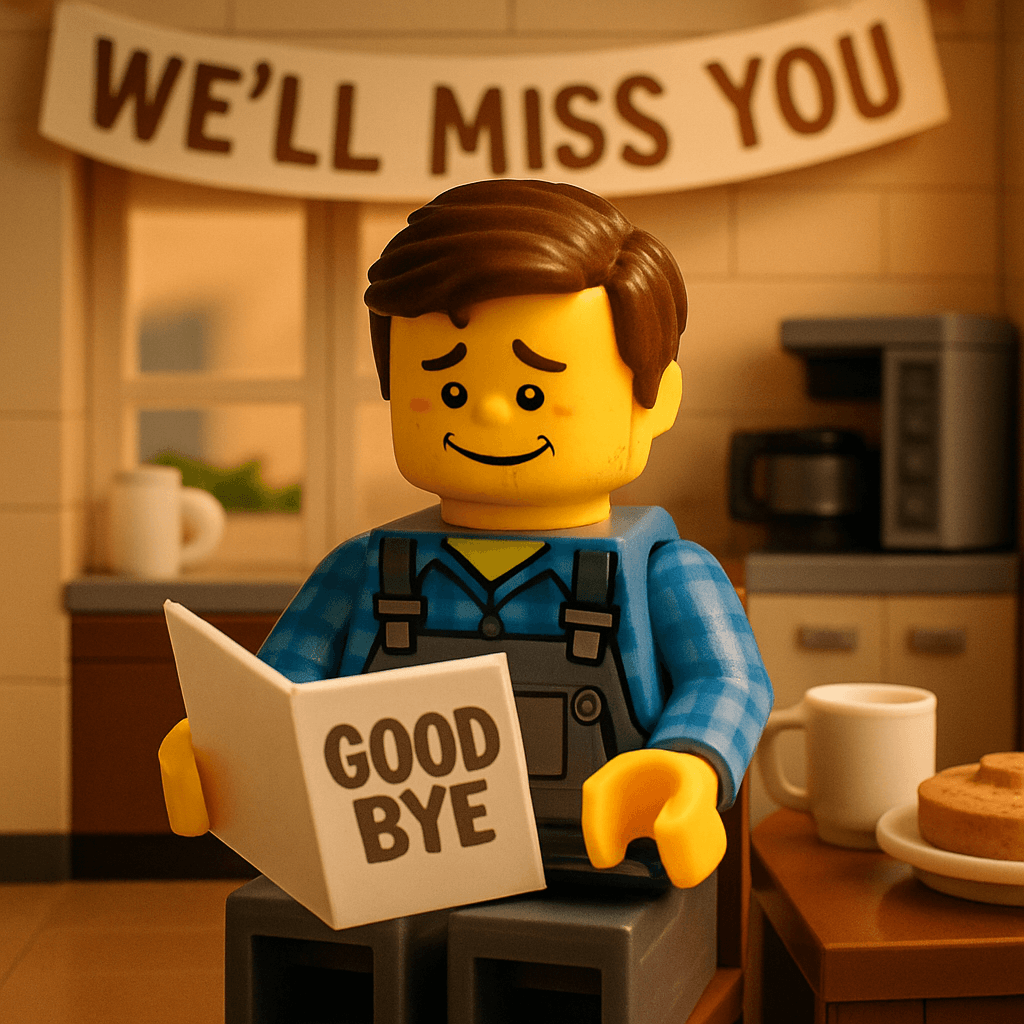
Someone on your team is leaving. Maybe they got the dream job in another city. Maybe they're retiring after twenty-five years. Maybe they're taking a leap and starting their own thing. Whatever the reason, you want to give them a send-off that says more than a card signed by thirty people in a rush.
So you set up a MiniFigureAI event. You share the link in Slack: "Before Friday, scan this and leave a message for [name]." Over the next three days, thirty-two people create their avatar and write something real. Not "Good luck!" but "Remember the night we shipped the v2 launch at 2am and you ordered pizza for the whole floor? That's the kind of leader I want to be someday."
On their last day, you pull up the Social Wall on the conference room TV. Thirty-two faces. Thirty-two messages. They read through them in silence, and then they cry. That's the goodbye they deserved. And it cost you $9.99.
Farewell Celebration
Farewell, Sarah
March 28, 2026
Jordan
“Remember the night we shipped v2 at 2am and you ordered pizza for the whole floor? That's the kind of leader I want to be someday.”
 MILESTONE
Dev
“You believed in me when I didn't believe in myself. I'll carry that forward.”
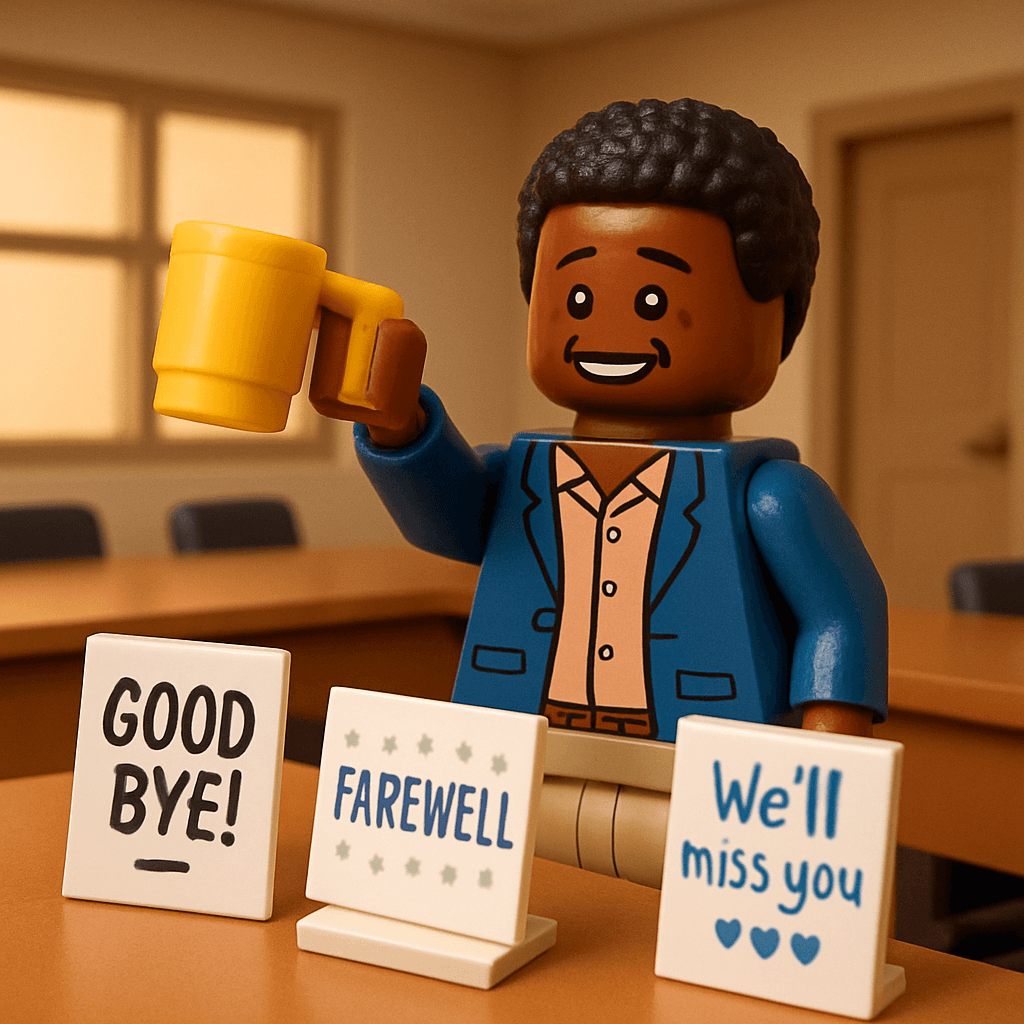
Marcus
“The team won't be the same without your terrible puns in standup.”

Priya
“Three years of learning from you wasn't enough. Go change the world.”
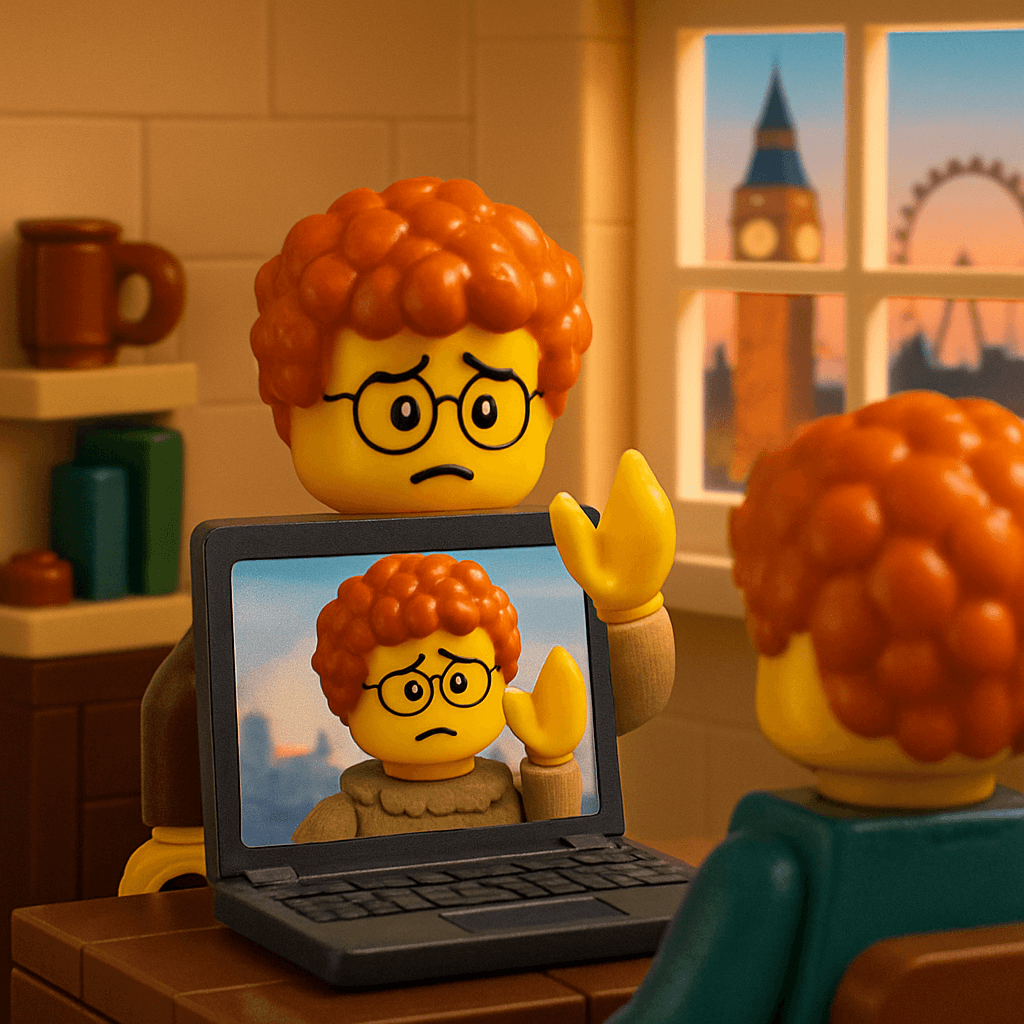
Alex (London)
“You made me feel like part of the team from 5,000 miles away. That's rare.”

Kim
“Your "one more thing" in every retro always made us better. Miss it already.”
Why the Signed Card Doesn't Cut It Anymore
The giant farewell card has been the default for decades. It gets passed around the office, people write "Good luck!" and "We'll miss you!" in increasingly tiny handwriting, and it ends up in a drawer. For remote teams, there isn't even a card — just a Slack message that scrolls away.
The problem isn't that people don't care. It's that the format doesn't give them space to say what they actually mean. A tiny corner of a card shared with twenty other people doesn't invite vulnerability. It invites clichés.
The MiniFigureAI farewell wall solves this. Each person gets their own space — their avatar and their message. The prompt ("What will you miss most about working together?") gives them permission to be specific. And because it's digital, it works for remote teammates in London, Sydney, or wherever.
Scan the link, create your avatar, and write a message. The wall will be revealed at her farewell lunch.
Before Friday, leave your mark for Sarah
minifigureai.com/party/TEAM4K9R
Scan or click to create your avatar and leave a message.
A retirement wall spans decades — every face in the Retirement theme
Jordan (2019–2026)
Farewell
Dev (Backend)
Farewell
Priya (Design)
Farewell
Kim (QA)
Farewell
Every Kind of Goodbye
Colleague Moving On
A teammate is leaving for a new opportunity. Share the party URL in the team Slack channel: "Before Friday, leave your mark for [name]." The Social Wall fills up over a few days. Display it during their last-day lunch or all-hands. The message prompt — "What will you miss most about working together?" — produces messages that go far beyond "good luck."
Download the wall as a video and email it to them. They'll rewatch it on tough days at the new job.
Retirement After 20+ Years
Two decades of relationships deserve more than a plaque. Set up the event with the Retirement theme and share the URL with every department, every floor, every satellite office. Former colleagues can contribute too — share it with people who left the company years ago but still have stories. The Social Wall at a retirement party is a timeline of a career — faces from every era, messages spanning decades.
Gift idea: Print the Social Wall grid as a large-format poster, frame it, and present it at the retirement dinner.
Friend Moving to Another City
The going-away party for a friend who's relocating. Everyone in the friend group creates their avatar at the party — the roommate, the Tuesday trivia team, the brunch crew. The Social Wall becomes a portrait of the life they built in this city: every face, every memory, every "remember when." They take it with them on their phone and open it whenever they miss home.
Manager or Leader Departure
When a beloved manager or executive leaves, the farewell often feels rushed — a quick all-hands, a round of applause, and then they're gone. The Social Wall gives the team a way to express what that person meant to them on their own time. People who are too shy to speak in a group setting will type a paragraph-long message about how that manager changed their career. Those messages are the real goodbye.
Share the URL with the whole organization, not just the immediate team. Impact often reaches further than the org chart suggests.
End of an Era: Team Disbanding
Sometimes it's not one person leaving — it's a whole team wrapping up. A project ending. A startup shutting down. A division closing. Set up the event and let everyone create their avatar one last time. The Social Wall becomes the team's final artifact — a collective portrait of the people who built something together. Set the message prompt to "What's one thing this team did that nobody else could?"
How to Set Up a Farewell Wall
- 1
Create the event
Name it (e.g., "Farewell, Sarah" or "John's Retirement Celebration"). Choose the Retirement theme for retirements, or the Corporate theme for general departures. Enable guest name capture so the person knows who wrote each message.
- 2
Share the URL 3–5 days before their last day
Drop the party URL in Slack, email, or Teams: "Before Friday, scan this and leave your mark for [name]." Give people a few days to contribute at their own pace. The best messages come from people who take a quiet moment to think about what they want to say.
- 3
Display the wall on their last day
Pull up the Social Wall on a conference room TV or projector. Let them scroll through every face and message. This is the presentation. No slides needed. Just the wall, the faces, and the words their colleagues wrote for them.
- 4
Download and gift the keepsake
Download the entire Social Wall as a video slideshow. Email it, AirDrop it, or print the grid as a poster. This is their goodbye gift — portable, permanent, and more personal than any card or plaque.
The Power of the Right Prompt
The message prompt is everything. Here's what draws out the best farewell messages:
"What will you miss most about working together?"
Default retirement prompt
"Share your favorite [name] moment"
Personal and story-driven
"What did [name] teach you?"
For a mentor or leader
"One word to describe [name] (and why)"
Quick but thoughtful
"What would you say if you had 30 more seconds?"
Urgency draws honesty
Especially Powerful for Remote & Distributed Teams
When your team is spread across time zones, the traditional farewell doesn't work. You can't pass a card around the office. You can't gather everyone in the same room. The Slack thread with goodbye messages scrolls away in a day.
The MiniFigureAI farewell wall is built for this reality. Share the URL and everyone contributes from wherever they are — New York, London, Sydney, home office. All avatars and messages land on the same wall. The departing colleague sees faces from every office, every time zone, every corner of the organization. Geography doesn't limit the goodbye.
For fully remote teams where some people have never met in person, the avatars add a visual warmth that a text-only message can't. It puts a face (a delightful, personalized face) to every message. It makes the goodbye feel real.
Pro Tips for the Perfect Farewell
Start collecting messages 3–5 days before the last day
Don't wait until the last day. People need time to think about what they want to say. Drop the link early and send one reminder the day before the deadline.
Include former colleagues and external contacts
Share the URL with former team members, clients, or partners who had a meaningful relationship with the departing person. The surprise of seeing a face from three jobs ago is priceless.
Present the wall as the goodbye speech
Instead of an awkward speech where one person tries to represent everyone, pull up the Social Wall on screen and let the messages speak for themselves. Cycle through slideshow mode. Let the silence do the work.
Print and frame the grid
Take a screenshot of the full Social Wall grid and print it as a large-format poster. Frame it and give it to the departing person. It's a piece of art that also happens to be the most personal gift they'll ever receive.
Use a matching theme for the departing person
If they're a Star Wars fan, use the Star Wars theme. If they love Ghibli, use Ghibli. Matching the theme to their personality makes every avatar on the wall feel like it was made just for them.
Frequently Asked Questions
How do I create a digital farewell wall?
Create an event on MiniFigureAI, share the party URL with the team via Slack or email, and have everyone generate an avatar and message. Display the Social Wall at the farewell event and download it as a video keepsake.
Can remote team members contribute?
Yes. The party URL works from anywhere. Remote colleagues generate their avatar and message from their desk. All contributions appear on the same Social Wall.
What does it cost?
$9.99 for 30 people. $19.99 for 75. Less than a card and a bouquet of flowers — and infinitely more meaningful. Credits never expire. See pricing.
Give Them a Goodbye They'll Never Forget
Try it free — create your first avatar now. Then set up the farewell wall that will make them cry (in the best way).
No credit card required for first avatar · Credits never expire