
Corporate & Team Events
The AI Photo Booth for Corporate Events: The Ice Breaker That Actually Works
Updated March 2026 · 9 min read
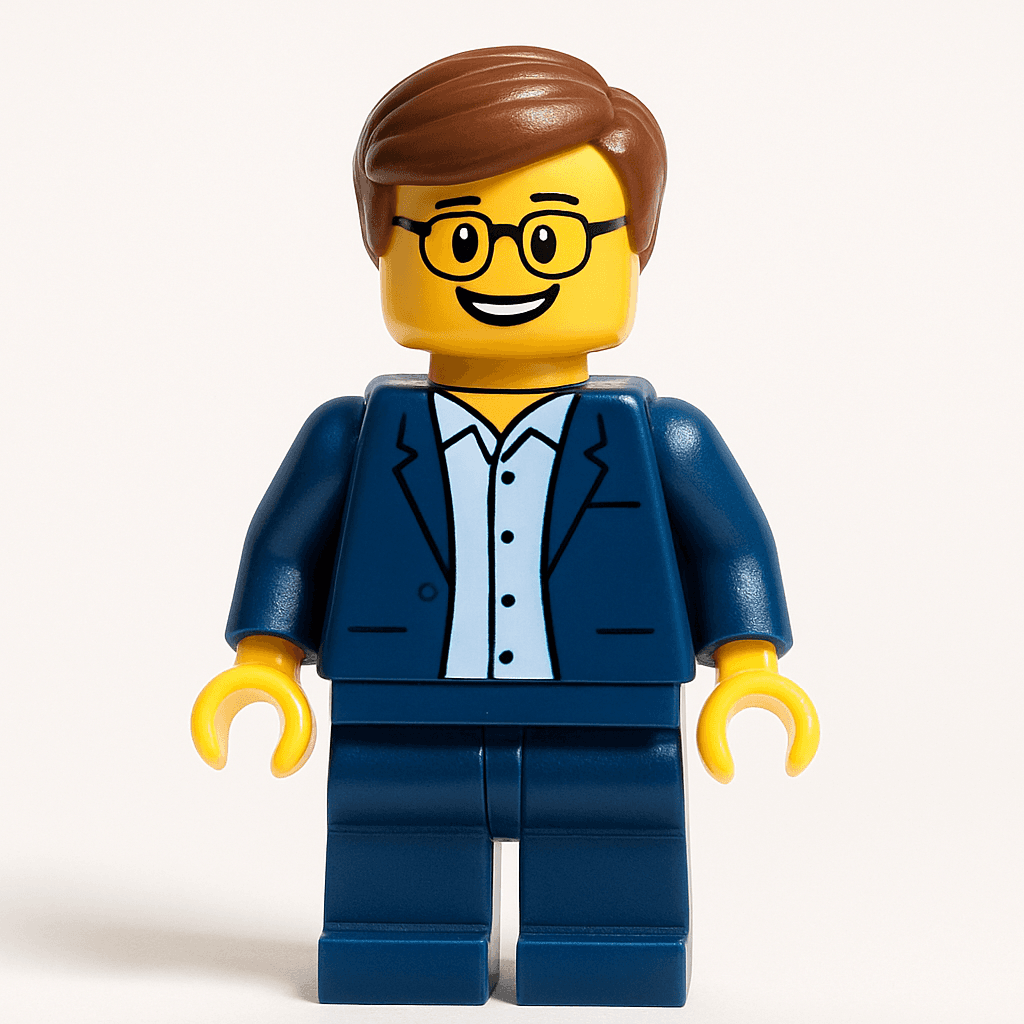
You know the drill. The all-hands starts in ten minutes. Half the room is on their phone, the other half is making small talk about the weather. The "ice breaker" on the agenda is two truths and a lie — and everyone is silently dreading it.
Now imagine this instead. On every table, there's a small card: "Turn yourself into a Minifigure — scan to try." Within two minutes, someone's laughing at their avatar. The person next to them leans over: "Wait, how did you do that?" Now they're both scanning. By the time the CEO takes the stage, the Social Wall on the side screen has twenty faces on it — and people are actually talking to each other.
That's a MiniFigureAI corporate booth. Five minutes to set up. Zero equipment. Works for 10 people in a meeting room or 500 at a conference. And the avatars become Slack profiles, About Us headshots, presentation decks, and team posters that last far beyond the event itself.
The Guest Experience
Scan QR
Opens in browser — no app needed
Take Selfie
Or upload any clear photo
AI Generates
60 seconds of magic
See the Reveal
Confetti + 3D animation
Share & Download
Stories, GIF, print
Social Wall
Your face joins the wall
The full experience takes under 2 minutes — no app download, no account required
Team Building
Acme Q1 All-Hands 2026
March 15, 2026
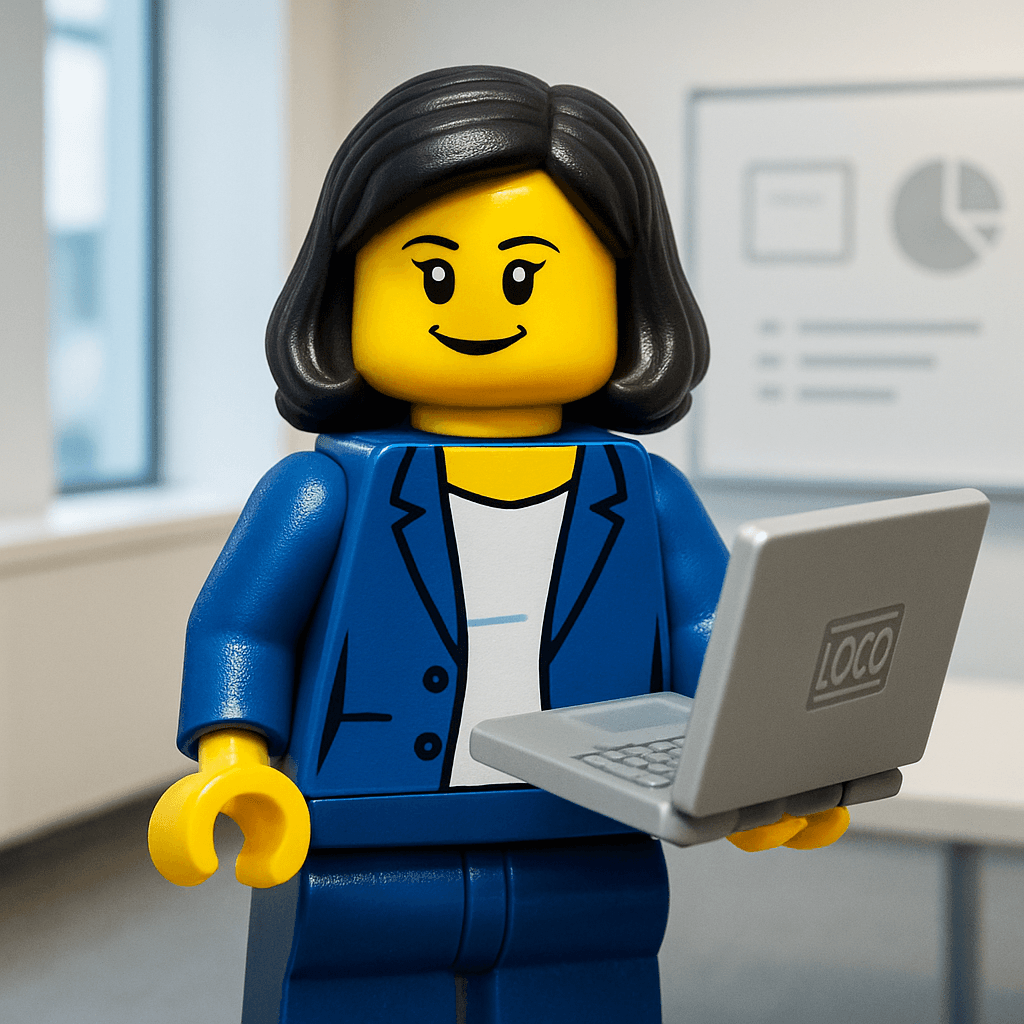
Sarah L.
“Remember the 2am deploy? This team can do anything.”
 MILESTONE
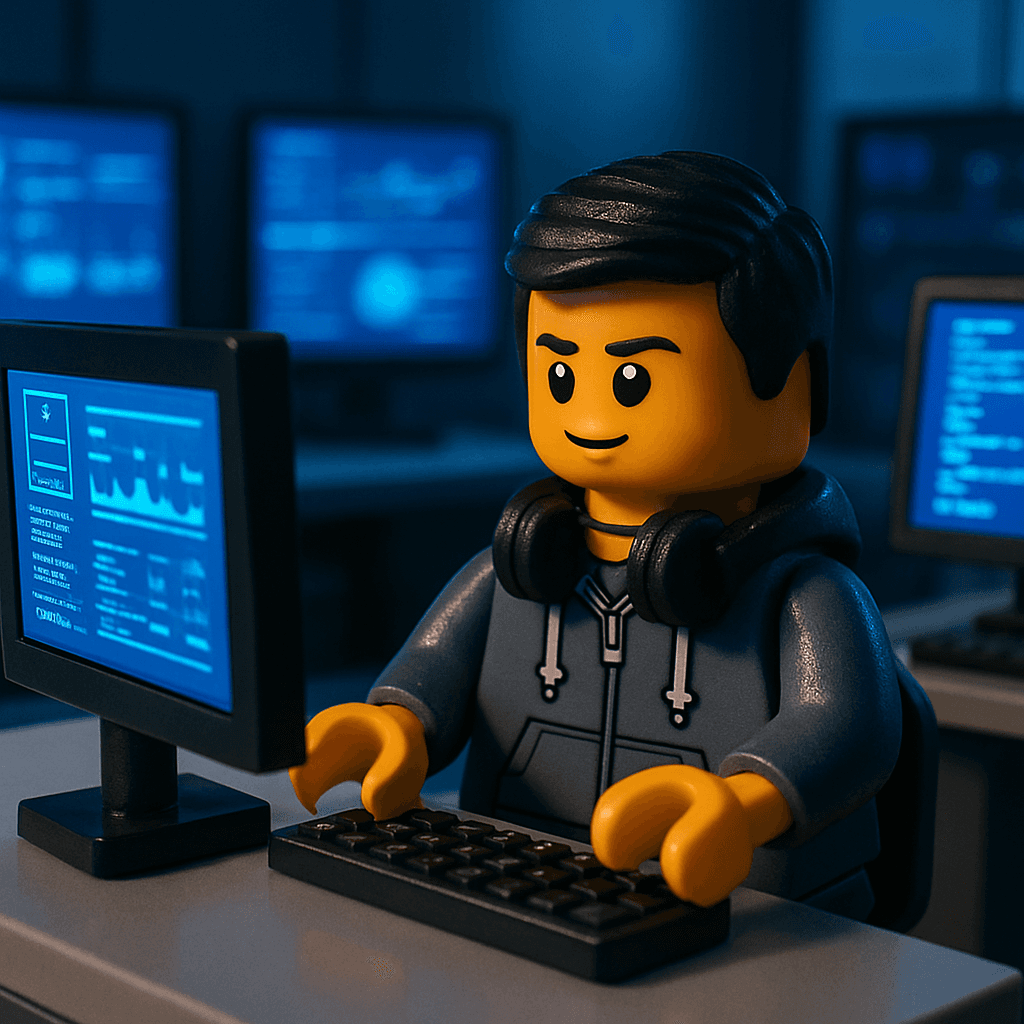
Dev P.
“Joining this team was the best career decision I ever made.”
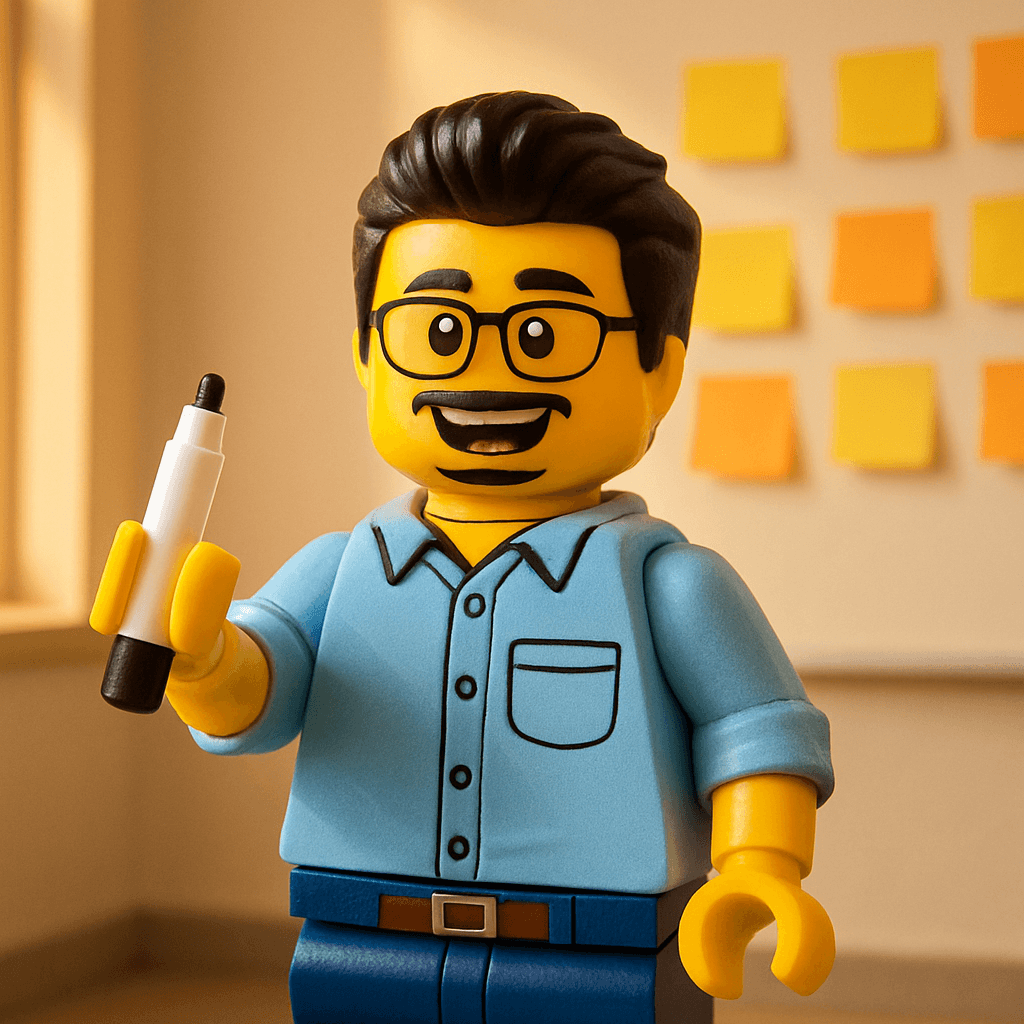
Jordan T.
“Three years in and every standup still makes me laugh.”
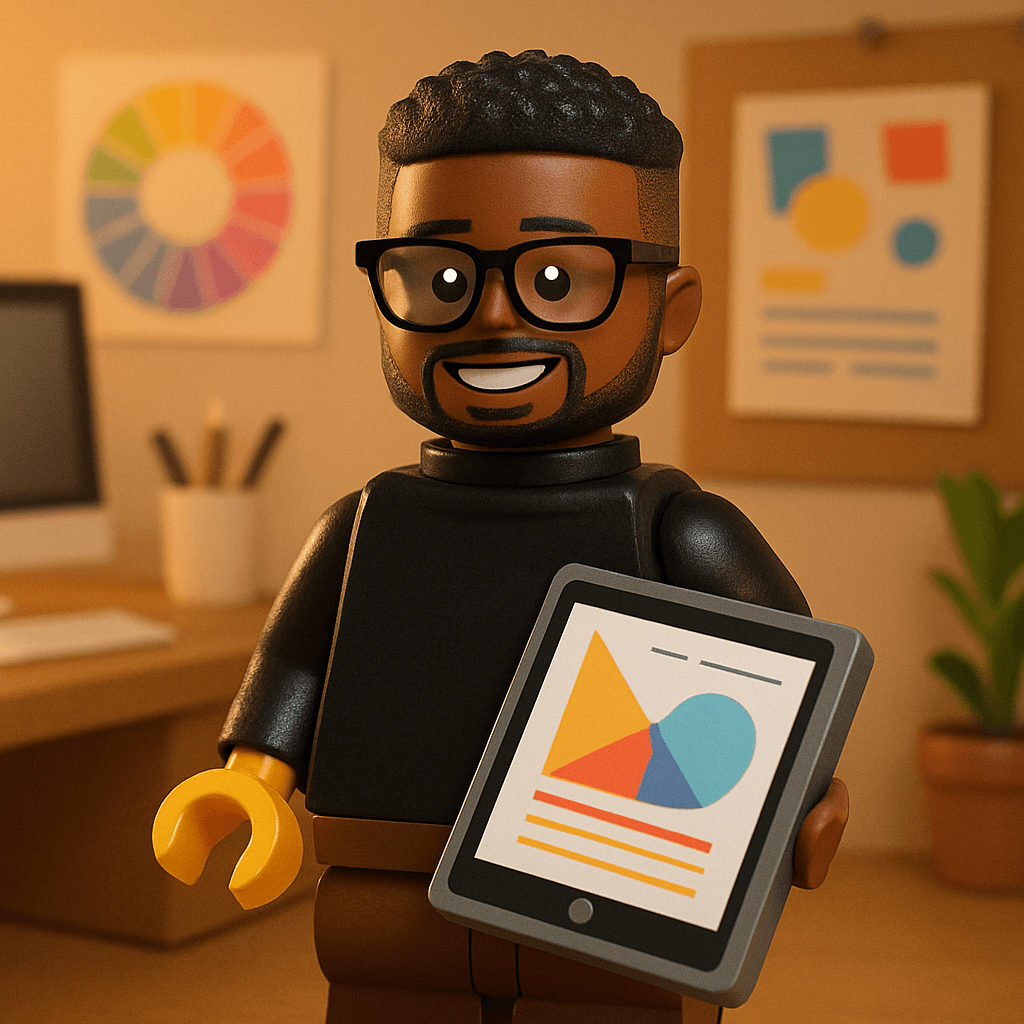
Marcus W.
“To the team that ships on Fridays and lives to tell the tale.”
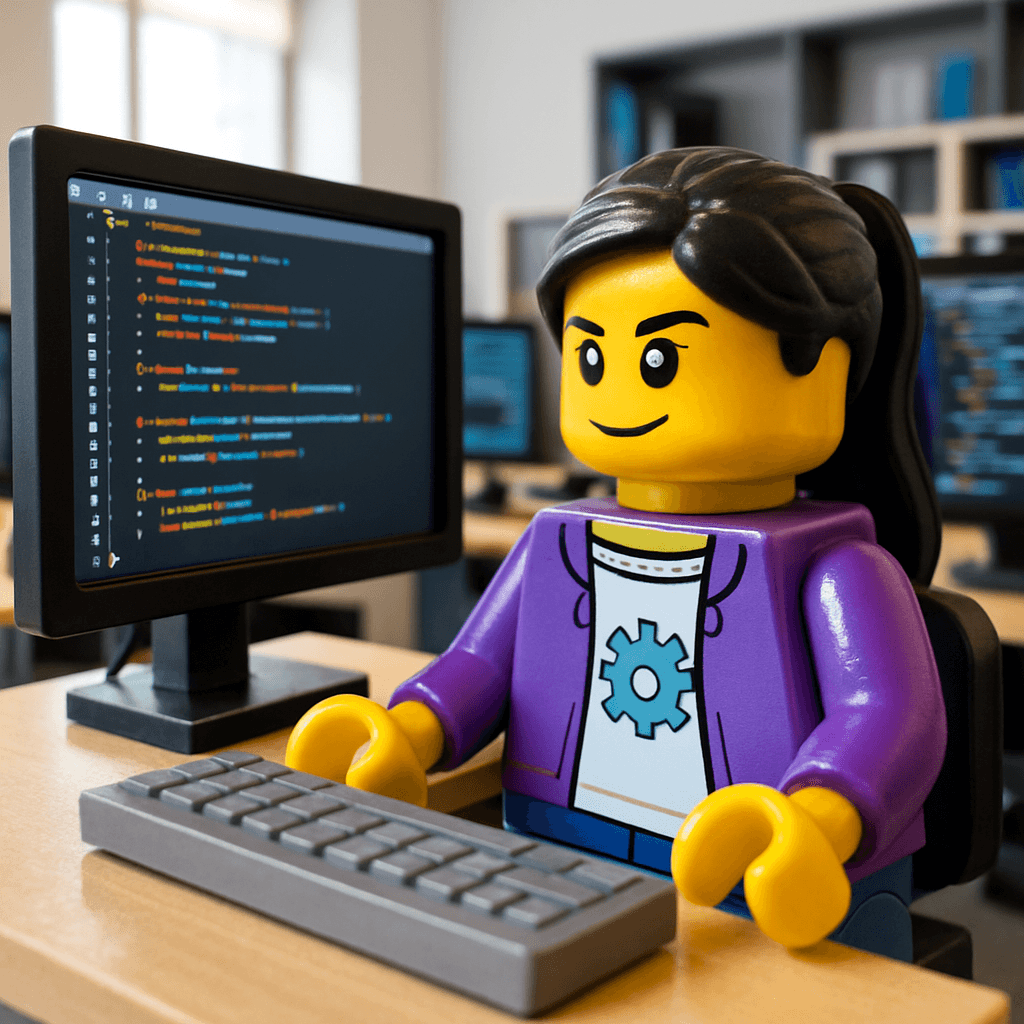
Priya K.
“The ping-pong tournament this year is MINE.”
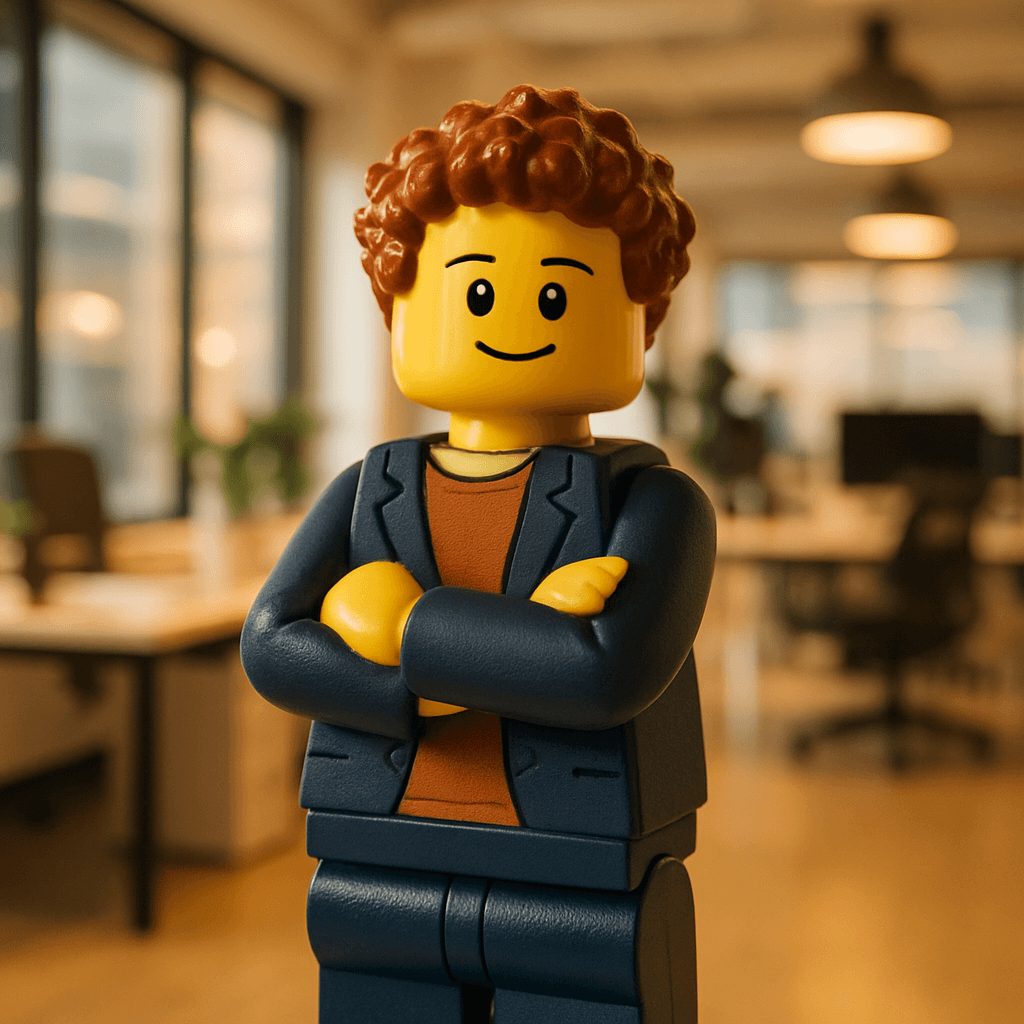
Alex R.
“From intern to lead — this team believed in me from day one.”
7 Ways Companies Are Using the AI Avatar Booth
1. All-Hands Meetings & Town Halls
Drop the QR code in the Zoom chat or on table cards at the venue. As people file in, they generate their avatars. Display the Social Wall on a side screen and watch it fill up in real time. The message prompt — "Share a moment that made this team great" — turns a routine meeting into a moment of genuine team appreciation.
Best for: Quarterly all-hands, annual kickoffs, company milestones (100th employee, Series B, etc.)
2. Holiday Parties
Pre-select the Christmas, Halloween, or New Year's theme and watch the Social Wall become the highlight of the night. Guests generate seasonal avatars of themselves — Santa hats, spooky costumes, sparklers — and share them to Instagram before the appetizers arrive. The wall of festive avatars with personal messages becomes a year-end time capsule the team revisits every December.
Best themes: Christmas, Halloween, New Year's, Thanksgiving, Valentine's Day
3. Conference Booths & Trade Shows
Running a booth at a conference? Offer attendees a free AI avatar in exchange for scanning your QR code. They get a shareable avatar branded with your event name. You get foot traffic, engagement, and social media impressions. The Social Wall at your booth draws a crowd — nothing attracts people like watching others have fun.
Pro tip: Use a custom occasion description like "TechConf 2026 presented by [Your Brand]"
4. Team Building Days
Kick off your team building day with a group avatar generation session. Everyone creates their Minifigure (or Star Wars, or Pixel Art — let the team vote). Print them as stickers, name badges, or a team poster. Use the Social Wall as a "who's here" board. The activity takes five minutes but the output — matching team avatars for Slack, email signatures, and the About Us page — lasts all year.
Best themes: Minifigure, Star Wars, Marvel, RPG Hero, Pixel Art
5. Product Launch Events
Launching a new product? Give attendees a branded avatar experience. Use a custom occasion description that includes your product name and branding. Every avatar they share to social media is organic exposure for your launch — each one watermarked with your event name and date. The Social Wall at the launch party doubles as a participation dashboard.
6. Company Retreats & Offsites
Your team flies to Barcelona for a retreat. On the first night, everyone generates their avatar. The Social Wall becomes the retreat's visual diary — filling up over three days with faces and messages. "Best tapas I've ever had with this crew." "Day 2 and I already don't want to go back to Slack." Download the wall as a video memento when you fly home.
Works perfectly for remote-first teams who rarely meet in person — the avatars mark the occasion.
7. Department Socials & Happy Hours
Not every event needs to be a Big Deal. A QR code at a department happy hour gives people something fun to do between drinks. Twenty avatars later, the engineering team has matching Pixel Art profiles. The design team went with Ghibli. Marketing chose Disney. Now every Slack channel has a visual identity — and it cost less than a round of beers.
Before the all-hands starts, scan this and leave your mark for the team wall 🎉
Acme Q1 All-Hands — Avatar Booth
minifigureai.com/party/TEAM4K9R
Scan or click to create your avatar and leave a message.
Setup: 5 Minutes, Zero Equipment
- 1
Create your event
Name it (e.g., "Acme Q1 All-Hands"), pick a date, choose a theme (Minifigure for universal appeal, or let the team vote), and set your credit budget. You'll get a party URL and QR code instantly.
- 2
Share the QR code or URL
In-person: print QR code cards for tables, or display a poster. Virtual/hybrid: drop the party URL in Slack, Teams, or your virtual event platform. Both work — remote attendees generate from their desk, on-site attendees from their phone.
- 3
Attendees scan and generate
No app download. No account. Attendees scan the code, take a selfie (or upload their LinkedIn headshot), enter their name and a message, and get their avatar in about 60 seconds.
- 4
Display the Social Wall
Open the Social Wall on a TV, projector, or shared screen. It auto-refreshes every 30 seconds. Milestone celebrations fire at 10, 25, and 50 avatars. The slideshow mode cycles through each avatar and message — perfect as a background during presentations.
- 5
Download and repurpose
After the event, download the entire Social Wall as a video or collect individual avatars. Use them for Slack profiles, the company About Us page, internal presentations, team directories, or printed posters for the office.
Works for Virtual & Hybrid Events Too
Because the booth is just a URL, it works identically for remote attendees. Drop the party link in Slack or your virtual event platform. Everyone generates from wherever they are — New York, London, Sydney, home office. All avatars land on the same Social Wall.
100%
Browser-based
0
Downloads required
1
Shared Social Wall
Best Themes for Corporate Events
Minifigure (Universal Favorite)
The safe, universally loved choice. LEGO-style minifigure avatars work for any industry, any team size, any level of corporate seriousness. They look fantastic as Slack avatars, team directory photos, and printed posters. This is the theme 60% of corporate events choose.
Pixel Art (Tech & Gaming)
8-bit retro pixel avatars. Perfect for tech companies, gaming studios, and any team with a nerdy streak. They make exceptional Discord and GitHub profile pictures.
Star Wars (Fan Favorites)
Turn the team into Jedi, Sith, and galactic adventurers. The highest engagement rate of any theme — everyone has an opinion about which character they'd be. Guaranteed conversation starter.
Seasonal Themes (Holiday Parties)
Christmas, Halloween, Valentine's Day, Thanksgiving, and New Year's themes are purpose-built for seasonal company events. The avatars include seasonal clothing, backgrounds, and color palettes that make the Social Wall feel festive.
Shipping v3.2 this week
In a focus block until 3pm
Sprint planning
Reviewing design system
Matching 5-person team avatar set
After the event: matching Minifigure avatars in every Slack channel
Engineering Team — Q1 2026
Acme All-Hands, San Francisco
minifigureai.com
Print the avatar grid as a team poster — all matching Minifigure style
The Value That Lasts Beyond the Event
Most event activities are forgotten by Monday. An AI avatar booth produces artifacts that keep working for months:
Slack & Teams avatars
A matching set of team avatars that makes every channel feel more human. New hires ask about them. Clients comment on them.
About Us page
Replace stock headshots with a cohesive set of avatars that actually reflects your team's personality. Candidates notice.
Team poster for the office
Print the Social Wall as a poster and hang it in the office, break room, or lobby. It's the team photo that doesn't feel like a team photo.
Internal presentations
Use avatars in all-hands decks, org charts, and onboarding materials. They add personality without requiring a professional photo shoot.
Social media content
Post the team avatar grid to LinkedIn and Instagram. It's employer branding that doesn't feel like employer branding.
Holiday cards
Use the avatar set for digital or printed holiday cards. More personal than a stock image, less awkward than a forced group photo.
Cost: Less Than the Catering Tip
| Team Size | Photo Booth Rental | MiniFigureAI |
|---|---|---|
| Up to 30 | $500–$800 | $9.99 |
| Up to 75 | $800–$1,200 | $19.99 |
| 100+ | $1,200–$2,000 | Multiple packs (credits stack) |
Credits never expire. Unused credits from your event roll forward to the next one.
Pro Tips for Corporate Events
Let the team vote on the theme beforehand
Drop a Slack poll: "Minifigure, Star Wars, or Pixel Art for our all-hands avatars?" Giving people a voice increases participation by 40%. Plus, the debate itself is fun.
Time the reveal for maximum impact
If you're running a presentation, open the Social Wall on screen between sessions. "While we take a 10-minute break, check out the 35 avatars already on the wall." Participation spikes during breaks.
Use the message prompt strategically
The default corporate prompt is "Share a moment that made this team great." For a product launch, change it to "What are you most excited about?" For a retrospective: "What's one thing this team did that nobody else could?"
Print name badges with avatars
For multi-day events or conferences, have attendees generate their avatar on day 1 and print it as their name badge for the rest of the event. Instant conversation starter.
Announce the Social Wall as a competition
"The team with the most avatars on the wall by lunch wins [prize]." Gamification drives participation. The Social Wall counter makes it easy to track.
Save the avatars for ongoing use
After the event, download all avatars and distribute them. Offer them as optional Slack profile pictures, add them to the team wiki, or create a printed poster. The event activity becomes a lasting team asset.
Frequently Asked Questions
How do I set up an AI photo booth at a corporate event?
Create an event on MiniFigureAI (2 minutes), choose a theme, and print the QR code. Place it on tables or share the URL in Slack. Attendees scan, snap a selfie, and get their avatar in 60 seconds. No app, no equipment, no attendant.
What's the best avatar style for a corporate event?
Minifigure is the most popular — universally appealing and great for Slack avatars. Tech teams love Pixel Art and Star Wars. Creative teams prefer Disney and Ghibli. Pre-select the theme in the QR code for a consistent wall.
Can I use it for virtual or hybrid events?
Yes. Share the party URL in Slack, Teams, or your virtual event platform. Remote attendees generate from anywhere. All avatars appear on the same Social Wall — perfect for distributed teams across time zones.
How much does it cost?
$9.99 for 30 avatars. $19.99 for 75. Compare that to $500+ for a traditional photo booth. Credits never expire. See all pricing.
Your Next Event Deserves Better Than Two Truths and a Lie
Try it free — create your first avatar now and see what your team will experience.
No credit card required for first avatar · Credits never expire